User Manual Mobius Maxi 4K Camera Version: V2.0
19
Backdoor Firmware Updating
The firmware could be corrupt somehow, very rarely but it happens, especially unexpected lost power during
firmware updating. The camera cannot be turned on, and not responsive to reset as well. We have a backdoor
firmware updating method. Please contact eletoponline@gmail.com for detailed instructions and tool. It’s easy,
you will only need a PC running Windows.
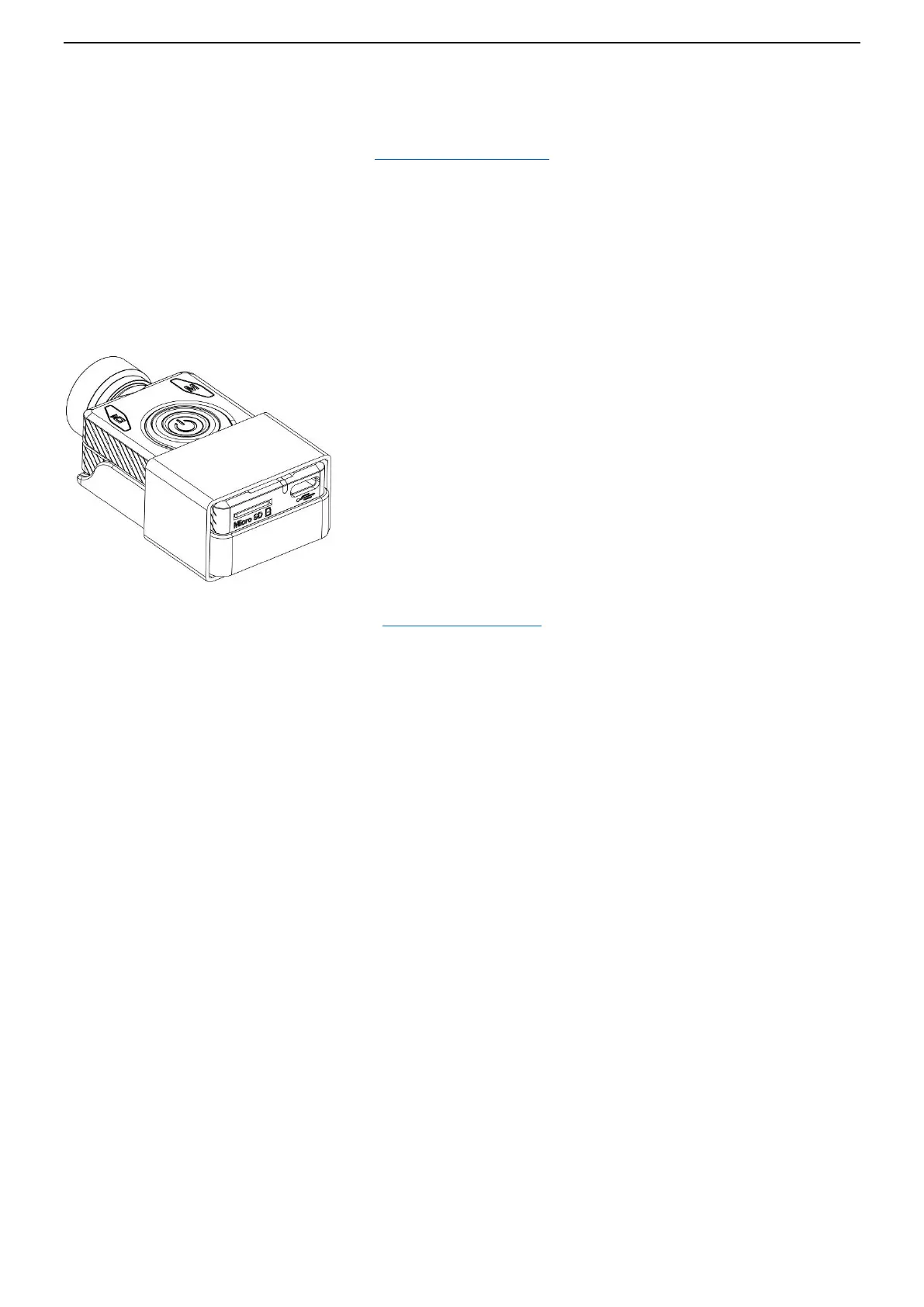
Additional Heat Sink
There is a silver heat sink on case cover, it helps to release heat from the DSP chip inside. It may get hot during 4K
video recording.
You may need an additional heat sink for very long time continuous video recording (many hours). You may get
one as shown on diagram below or DIY a metal heat sink.
The additional heat sink can reduce approx. 10 degrees Celsius
of temperature inside the case as tested.
(Testing environment conditions: 28 degrees Celsius, RH: 38%)
(Back to Table of Contents)
Trouble Shooting / FAQ (Frequently Asked Questions)
Q. When I press the Power button, nothing happens.
A. An apparent 'dead' camera can be caused by the following:
• The battery is flat or defective. Replace or charge the battery.
• The Firmware may have locked up. Use a paper clip or similar object to press the Reset button.
• The lens module cable is not properly inserted or defective. Ensure the lens cable is firmly and squarely
seated at both ends. Take note that the connectors have an opening mechanism. Never use force to
insert/remove the cable.
Q. When I turn on the camera or while recording the rear LED continuously blinks very quickly. The camera will, at
some time, turn off.
A. The battery is almost depleted and needs to be recharged.
Q. When I turn on the camera the top LEDs blink (Red and Yellow) and the rear LED rapidly blinks. The camera
then turns off.
A. Invalid card, or there is no SD card inserted, or the SD card is not making proper contact. Insert the card and/or
clean the contacts.
Q. When I try to record a video or photo the yellow and blue LEDs blink slowly about 4 times. The blinking rate
then increases and the camera turns off after a few seconds.
A. There is a problem with the SD card.
• The card is full. Format the card using in-camera formatting or SDFormatter, if possible.
• The card is not formatted correctly. Format the card using in-camera formatting or SDFormatter, if possible.


 To Next Page