139/160
Virtual PTZ and Full Image Recording
© MOBOTIX AG • Security-Vision-Systems • Made in Germany
www.mobotix.com • sales@mobotix.com
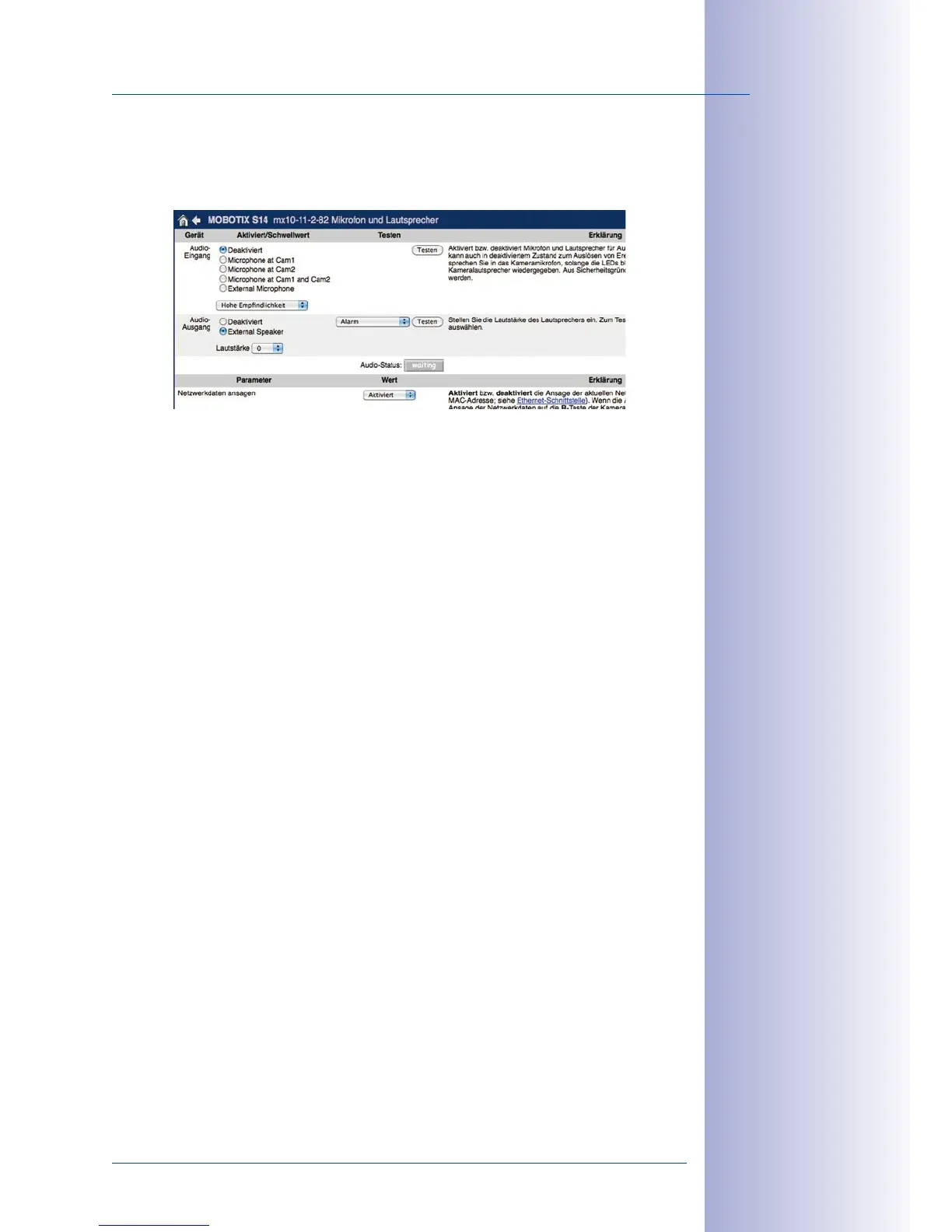
Configuration of Audio Settings
Thanks to the MOBOTIX S15 system’s flexible layout, there are a number of dierent micro
-
phone options depending on the model used (S15D, S15M).
Information on how to connect external microphones and speakers is provided in
Section 2.2.8, «External Audio Support (Microphone/Speaker)»
.
Microphones for the S15D:
With this camera, you can either use an external microphone or the connected sensor
modules’ built-in microphones (or just one of these). If the microphones of both sensor mod-
ules are used, the camera records the sound of both microphones to a single audio track.
Microphone for the S15M:
You have to use an external microphone with this camera.
Speaker (S15D, S15M):
As neither the S15D nor the S15M features a built-in speaker, this function can only be
used to activate/deactivate an externally-connected speaker.



 To Next Page