27
Measurement Procedure
A.
Press button to switch
on the monitor.
B.
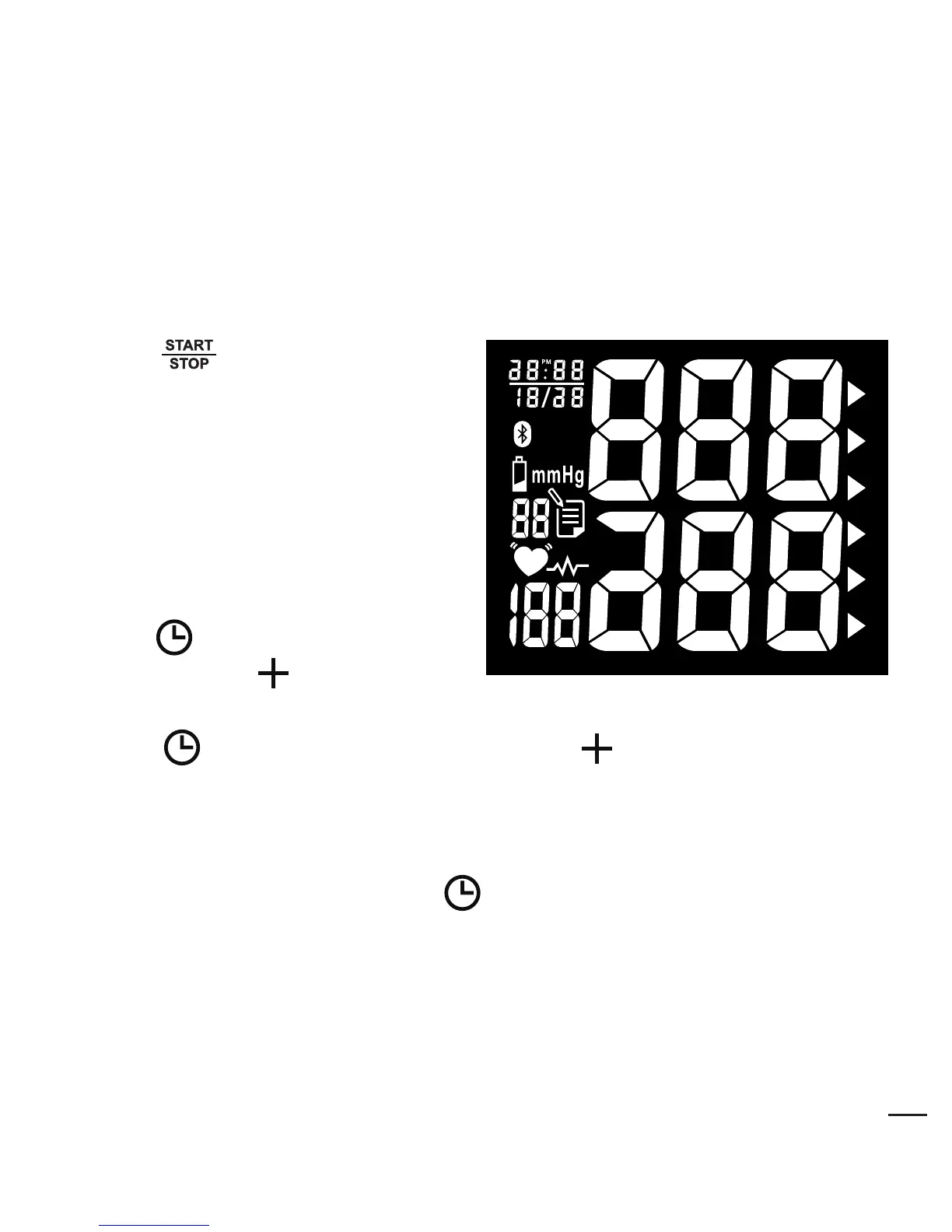
All segments appear on the
screen.
Switch on the Monitor
C.
Adjust DATE (1, 2, 3,…, 31), HOUR (1, 2, 3,……..12PM,1 PM,…,
12) and MINUTE (00,01,02,03,.....59) as described in Step A above.
D.
When settings are done, press button to conrm the above
settings. The device is ready to measure.
B.
Press button ("MONTH" ashes). Use button to adjust
MONTH (1, 2, 3,……, 12).
A.
Press button ("YEAR"
ashes). Press button to
adjust YEAR value.
Setting Year, Date and Time


 To Next Page