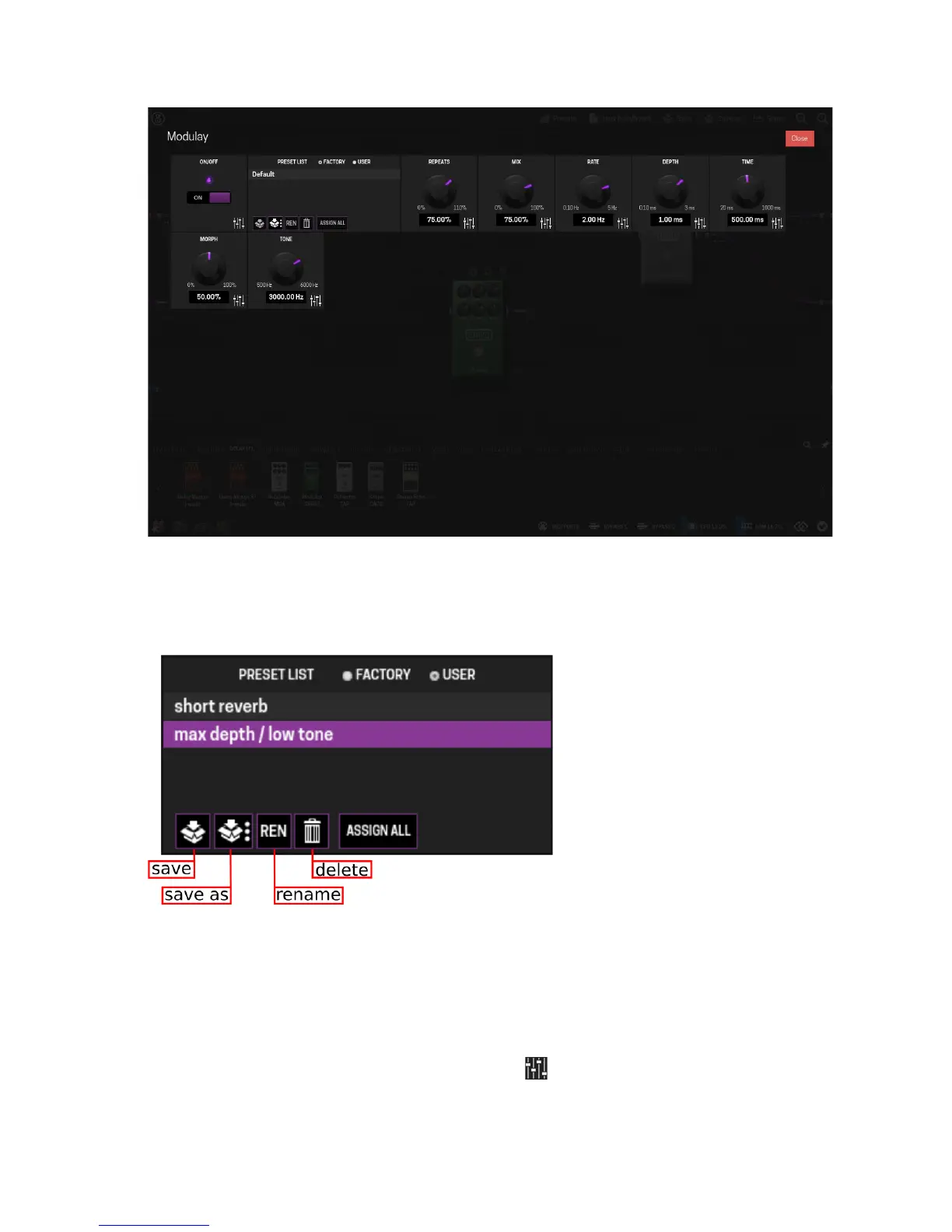
Each knob, list and switch represents a parameter of the plugin and can be adjusted as
desired. The combination of all parameter values can be saved/loaded as a user preset and,
for the cases in which they are available, factory presets can be loaded.
Assigning plugins parameters to actuators
One of the most powerful features that the MOD Duo offers is the ability to assign plugin
parameters and preset lists to physical actuators, like knobs and footswitches.
To create an assignment, first click on the fader icon , found on the bottom-right corner of
each parameter box, to open the assignment dialog box. Afterwards, select the actuator you
16


 To Next Page