Once you selected and saved the MIDI Learn function go to your MIDI device and operate
the actuator you want to control the parameter. At this point you should be able to control the
plugin parameter using your MIDI device.
MIDI DIN - Output
Some plugins have MIDI output ports, which generate MIDI output data like control change
messages and notes. You can use this output to send this data to your other equipment.
MIDI USB
In addition to the classic MIDI ports you can also use the USB port to connect your MIDI
device. The MOD Duo will recognize your MIDI device when it is plugged in and add it to the
MIDI ports list. Because a single MIDI device can have multiple ports, they are not visible in
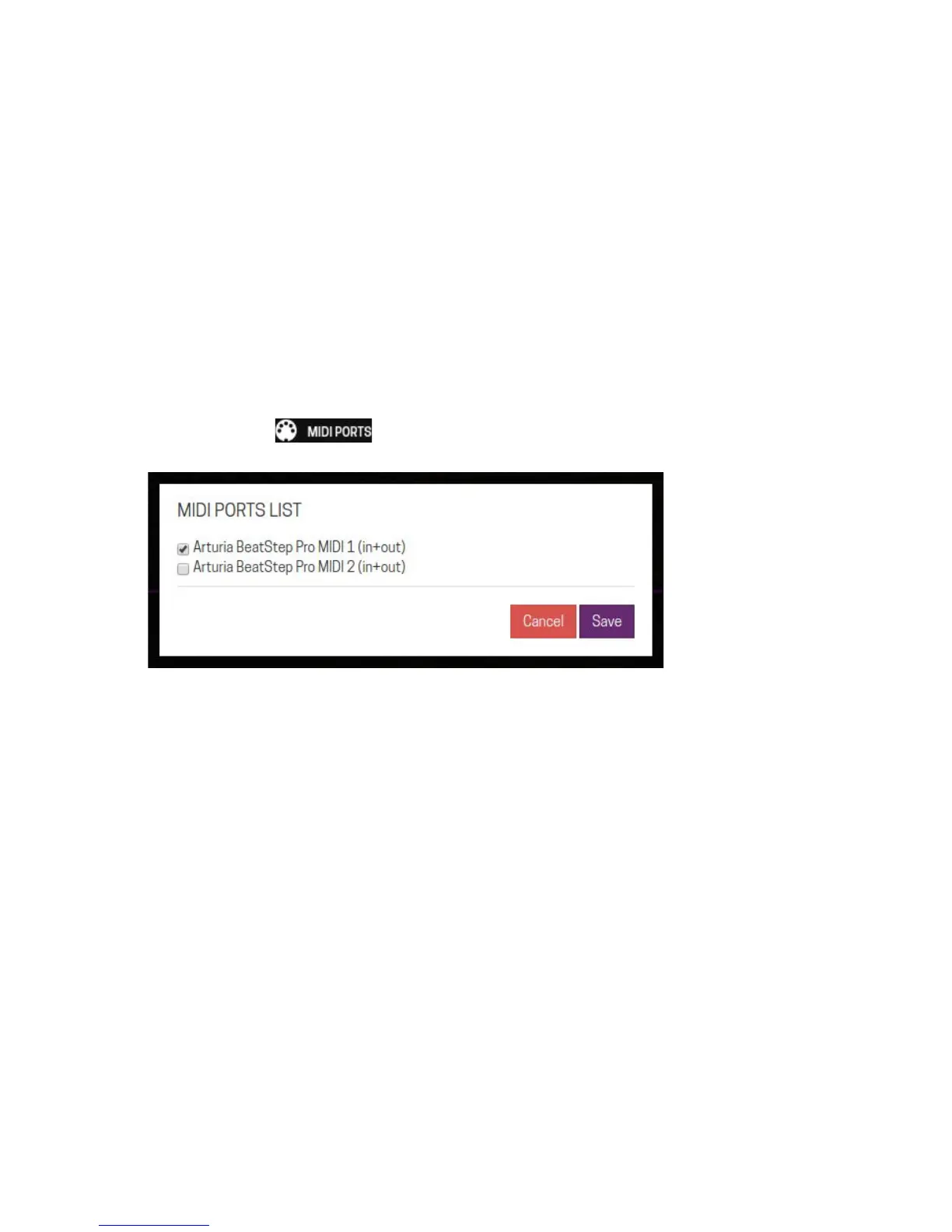
the assembler by default. To make them visible you will have to enable them first by clicking
on the MIDI ports button.
On the MIDI ports list select the ports that you want to enable and click on the Save button.
Now you should see the new ports added to the assembler screen.
Note that you do not have to enable a specific MIDI port to be able to use MIDI learn. For
MIDI learn, all MIDI devices will work as soon as they are connected to the MOD Duo.
26


 To Next Page