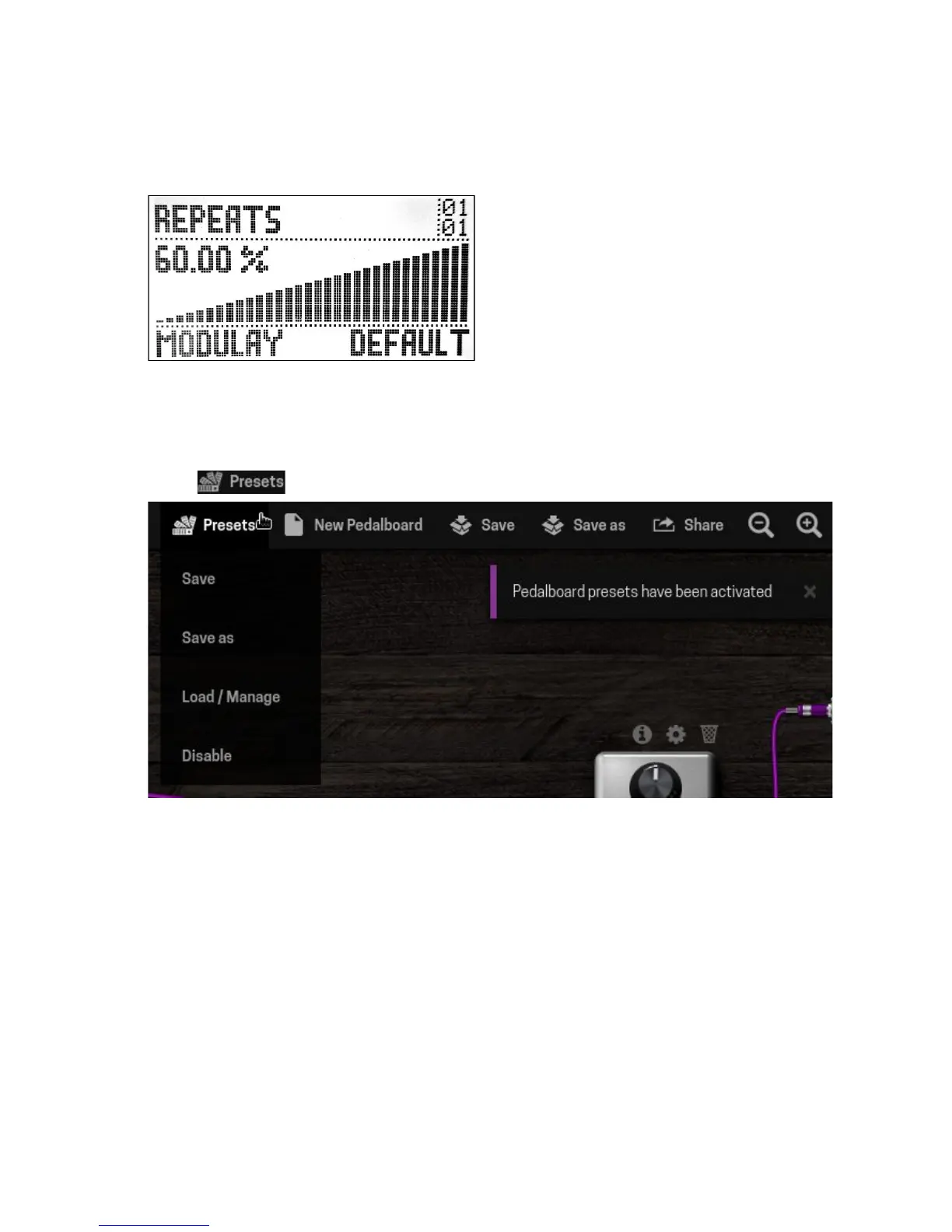
Once you have done the adjustments, click on the save button to execute the assignment.
At this point you should see the assigned information on the display and be able to operate
the parameter through the actuator you have chosen.
Saving / loading pedalboard presets
You have the possibility to save the combination of parameter adjustments as a pedalboard
preset. In order to do so, turn on the pedalboard presets mode by clicking on the presets
button , positioned on the pedalboard actions bar.
To save the changes to the current pedalboard preset, choose the option Save. To save a
new preset use the option Save as and give it a name. To load, delete or rename a saved
preset use the option Load / Manage.
18


 To Next Page