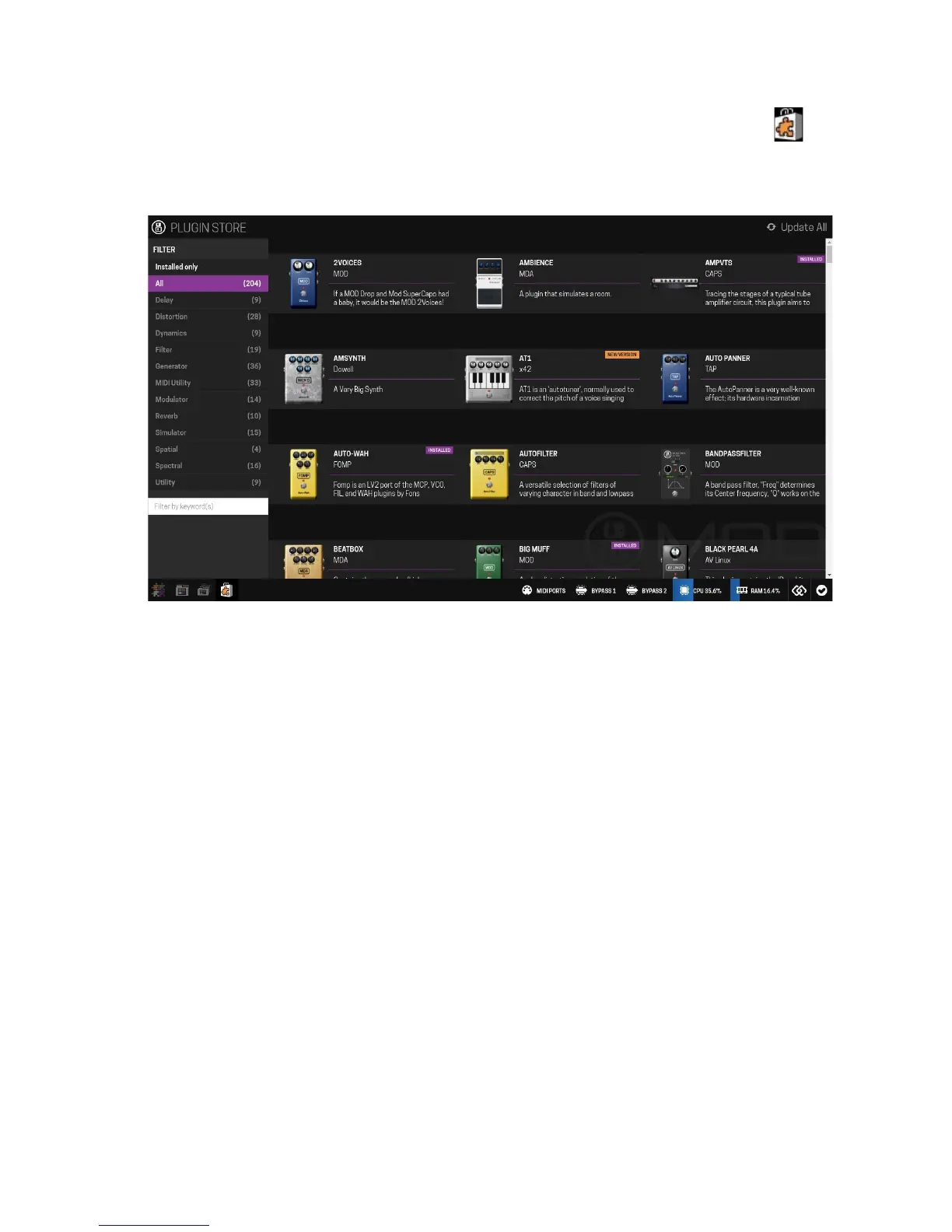
In order to install new plugins you need to access the plugin store by clicking on its icon
in the mode selection bar. After you have accessed the store you can look for the plugin you
want by filtering by category or typing a keyword in the search box.
Once you have decided which plugin you want to install, click on it to open the description
dialog, and then click on the install button. The plugin will be automatically downloaded and
installed on your MOD Duo. You can also remove or upgrade an already installed plugin by
clicking on the corresponding button.
21


 To Next Page