English 25
OPERATION
- Open the door of the drying machine (dryer), then put in clothes that will be dried one by one, make
sure the cloth does not get stuck to the door or the filter.
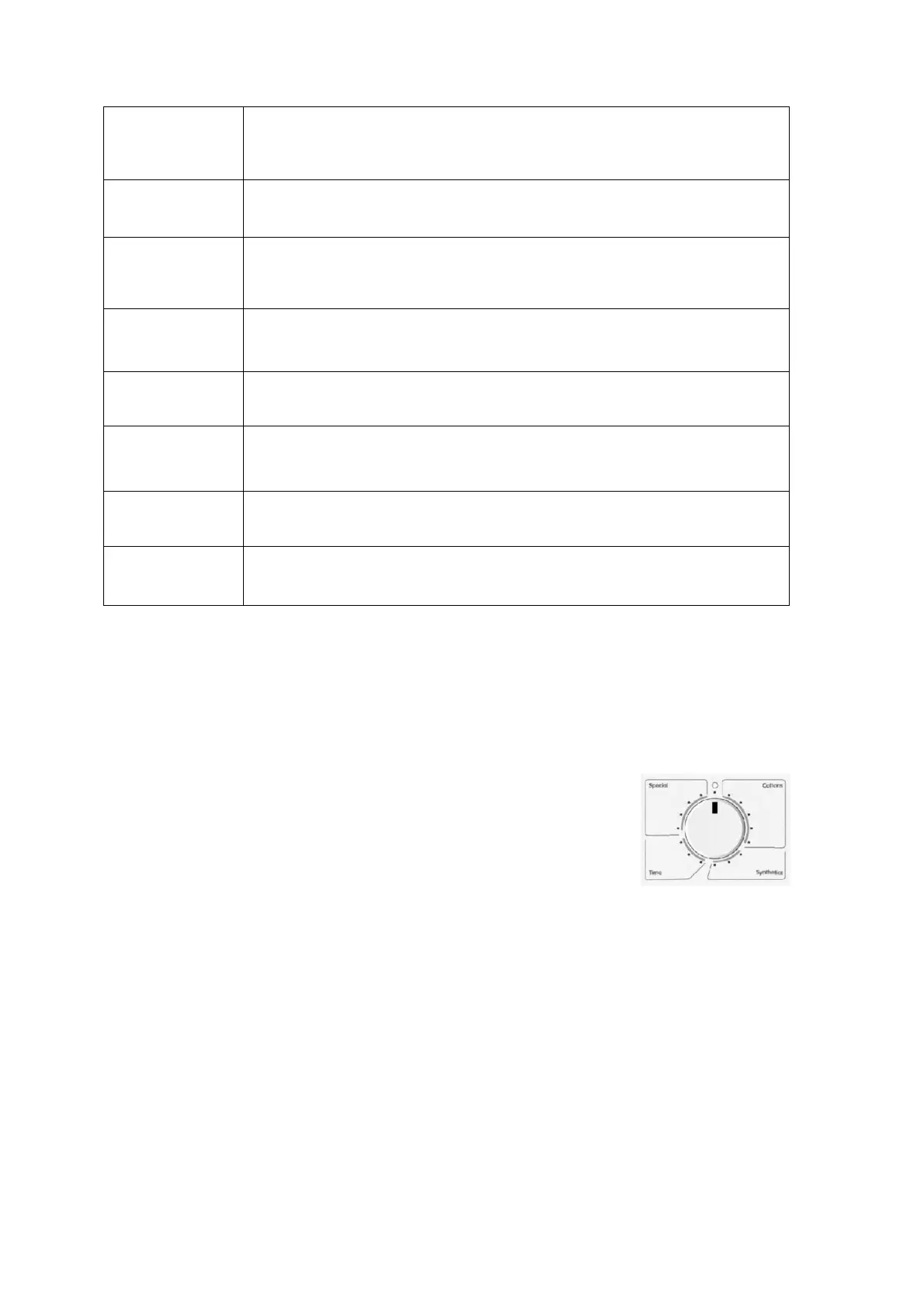
- Choose the needed program by rotating the Choose the program knob.
- Indicator light on the start/pause button will turn on.
- This process will automatically stop if you do not press any button for 10 minutes.
The choosing button Is divided into some parts as the following:
- Cottons
- Synthetics
- Time
- Special
Automatic Drying
This automatic drying is applicable for Cottons, Synthetics, Anti-bacterial and Silk Program of drying
programs. The drying machine (dryer) will detect the moisture level of the cloth that will be dried and
automatically adjust the drying time according to the chosen drying program.
Drying With Timer Program
If needed, you can choose timer program to dry the cloth as long as the drying time that you wanted.
Choose the 90 program or 60 minutes for cotton or 30 minutes program for synthetics. To cancel the
running program, rotate the program choosing knob to “O” position. At the end of the drying, rotate the
choosing knob to “O” position to turn of the machine before taking out the cloth.
Optional Program Button
To optimize the drying process, some drying program can be combined with “optional” program.
Optional program is chosen after choosing the wanted drying program and before pressing the button
“start/pause”. When the button is pressed, the light indicator will turn on in accordance with the
chosen program function, when the button is pressed once again, the light will turn off.
Buzzer Button
If the buzzer button is activated, there will be a sound/bell signal in every end
of the program.
Quick Button
This function can reduce the drying time for 10 minutes.
Delicate Button
“Delicate” function is used for soft-fabric drying, the drying will be done in a
lower temperature.
Delay Start Button
This button will allow you to delay the start of the program to until 12 hours.
Display screen
The display screen will show how long the drying process is in hours and
minutes, and times will be counted down every 1 minute.
Start/Pause Button
It functions to start/stop the drying program.
Indicator Light
Indicator light will turn on in accordance with the ongoing process.
Choose The Program Knob
It functions to choose and set the wanted drying program.


 To Next Page