English 26
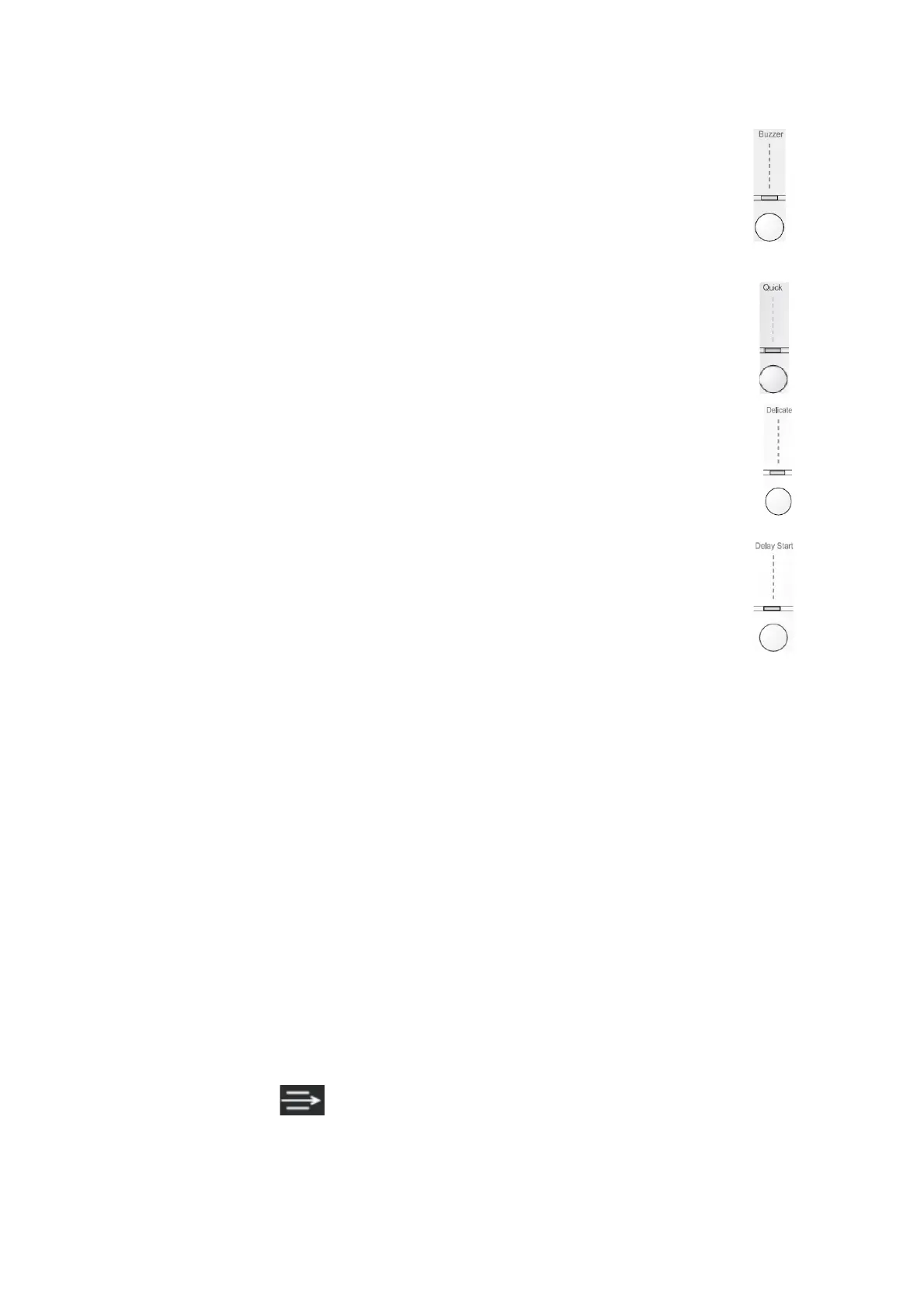
Buzzer Button.
After turning on the unit, buzzer will not be activated if you do not choose any operation.
Buzzer function can be activated or non-activated during the process. By pressing the
“Buzzer” button, the bell will ring and buzzer indicator light will turn on. When the buzzer is
active, there will be a sound single in cases as the following :
- When pressing any button.
- at the end of program.
When the buzzer is active, if you press the “buzzer” button once again, the buzzer will turn
off.
Quick Button
This function can be chosen at program : “Heavy”, “Strong”, and “Normal”. By pressing this
button, the drying time will be reduced by 10 minutes ( 3-5 minutes for ED 650). Lights on
“Quick” button will turn on. This option can not be chosen together with “Delicate option”
Delicate
This option can be chosen at parts as the following:
“Cottons”,”Synthetics“, “Time”. If activating “Delicate” function, the drying will be done in
lower temperature, for soft-fabric cloths. The indicator light on “Delicate” button will turn on.
This function can also be used together with drying function in with time setting. This function
can be used in fast drying / “Quick”
Delay Start
This button allows you to delay the start of a program until 24 hours ( 12 hours for ED 650).
To activate this function, choose the wanted drying program then choose “Delay Start”
function, then “start/pause” button. Every time the “delay start” button is pressed, the delay
time is increased by 1 hour.
The “Delay start” function can be chosen before or after choosing optional programs
(Buzzer, Quick, Delicate) , Countdown will start after you press the start / pause button and
the light indicator on “delay start” button will turn on. The time left is displayed on the
display screen. “Delay start” function can not be used at “special” program.
Display Screen
The display shows information as the following :
- After you choose the drying program, the duration of the drying program will appear on the
screen ( in hours and minutes). This can be counted automatically according to the maximum
weight that is received for every type of fabric and the chosen drying level. When the program
is started, the rest of the time is shown every 1 minute.
Delay start
- if you have chosen the delay time with using relevant button, the display screen will show the
countdown shown in per hours. “Delay/start” function will be started after the “start/pause”
button is pressed. If you want to check the chosen program, press the “start/pause” button
once more, then the display screen will show the program duration that is chosen beforehand.
“Delay start” function can not be used on “special” program.
Choosing the wrong program
- If you choose the program that is not compatible with the program you have chosen, the
screen will display ERS (error). This code will appear again if you have press one of the
button or rotate the program chooser during the process.
Indicator light on display screen (ED 850).
- Indicator Light
Will turn on after the drying usage, this is to remind you to clean the condenser. It is
recommended to clean the condenser for three or four times a year.


 To Next Page