English 27
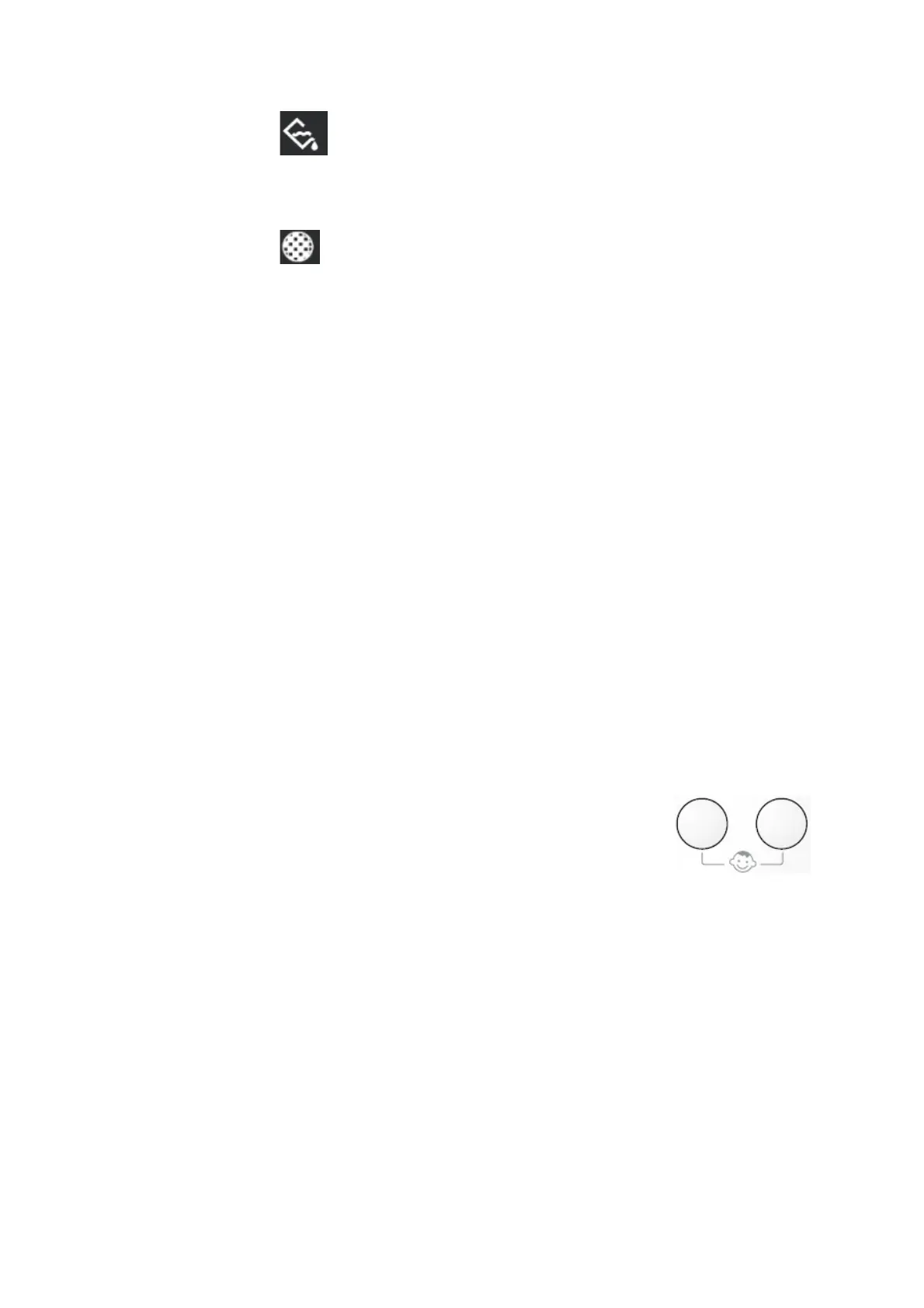
- Indicator Light
- Will turn on every time a program is finished this is to remind you to empty the condensed
water container. NOTE! To avoid the alarm ringing when using the next program, empty the
condensed water container every time after using a drying program.
- Indicator Light
- Will turn on every time after using the unit, this is to remind you to always clean the filter. If
the filter is not clean, it will affect the efficiency of the drying process.
Start / Pause button
After choosing the drying program and optional program, press this button to start the drying process.
If the door of the drying machine (dryer) is opened when a program is running, then after the door is
closed, press this button once more to start again the program from the point where it stopped. In this
case, the light on the “start/pause” button will blink to remind you that the start button need to pressed
once more.
Indicator light on control panel
This light shows these functions:
- “Child Lock” indicator light (ED 850); This light shows that the program is locked.
- “Drying” indicator light. This light shows that the drying process is operating.
- “Cooling” indicator light. This light shows the cooling process is operating. At the end of the drying
process, it will be cooled, the cooling process will consume time in less than 10 minutes.
- “End” indicator light. This light will turn on at the end of the cooling phase, and during the anti-
wrinkle phase
- “Filter“ indicator light (ED 650); This light will turn on in every cycle and at the end of the program
to remind you that the filter must be cleaned.
Cooling process
Every drying program is ended with cooling process in 10 minutes. If the cloth is not put out at the end
of the cycle, the machine will continue to the anti-wrinkle process with the duration: 30 minutes
maximum. After the anti-wrinkle process is done and the cloth is not put out, the drying machine
(dryer) will stop automatically. The screen display “end” and the sound/bell signal will active for 15
seconds (if the “buzzer” function is activated). To end it, rotate the program chooser knob to “O”
position, and all lights will turn off.
“Child Lock” function (ED 850)
When the machine is turned on, press the “Delicate” button and “Delay Start”
together for some seconds, then the system will lock everything, to stop this
function, press the same button together for some seconds.
After the usage
Clean the filter
Changing the chosen program
To change the running program, rotate the program chooser button to the position to cancel the
former program, then choose the new program, and press the start button.
Important!
If the drying program must be stopped before it reaches the end, before putting out the cloth, we
recommend you to rotate the program chooser to “air dry” position and wait until the cooling process
is done, this is to avoid the heat piling in the machine, to continue this process, first, rotate the
program chooser to “O” position, then rotate to “air dry” position, after that press the “start/pause”
button once again. Every time after usage, always clean the filter.


 To Next Page