www.ModulusArms.com | AR-15 Jig Instructions
Note: If the router begins to whine or vibrate during milling, turn the router off and remove it
from the template. Inspect the end mill and be sure there are no chips jammed into the teeth of
the end mill. If there is, use a tool to remove the stuck chips. A small screwdriver or pencil works
well. Be sure not to damage the teeth.
Note: The top 90% of the milling is removed in future steps so this is your practice session. Use
it to adjust the router speed settings for optimal results. We recommend a mid-speed setting on
most routers. Adjust as necessary for your exact router.
Note: If you have a shop vacuum, use it. We recommend sticking it between the lower and the
template over the magazine opening. It typically fits and stays. Run the vacuum whenever you
are milling. If you do not have a shop vacuum, stop regularly are remove the chips. If they build
up, they can become stuck between the end mill and the template and melt. This build up can
be removed from the end mill with sand paper. Use of a cutting fluid or WD-40 is
recommended.
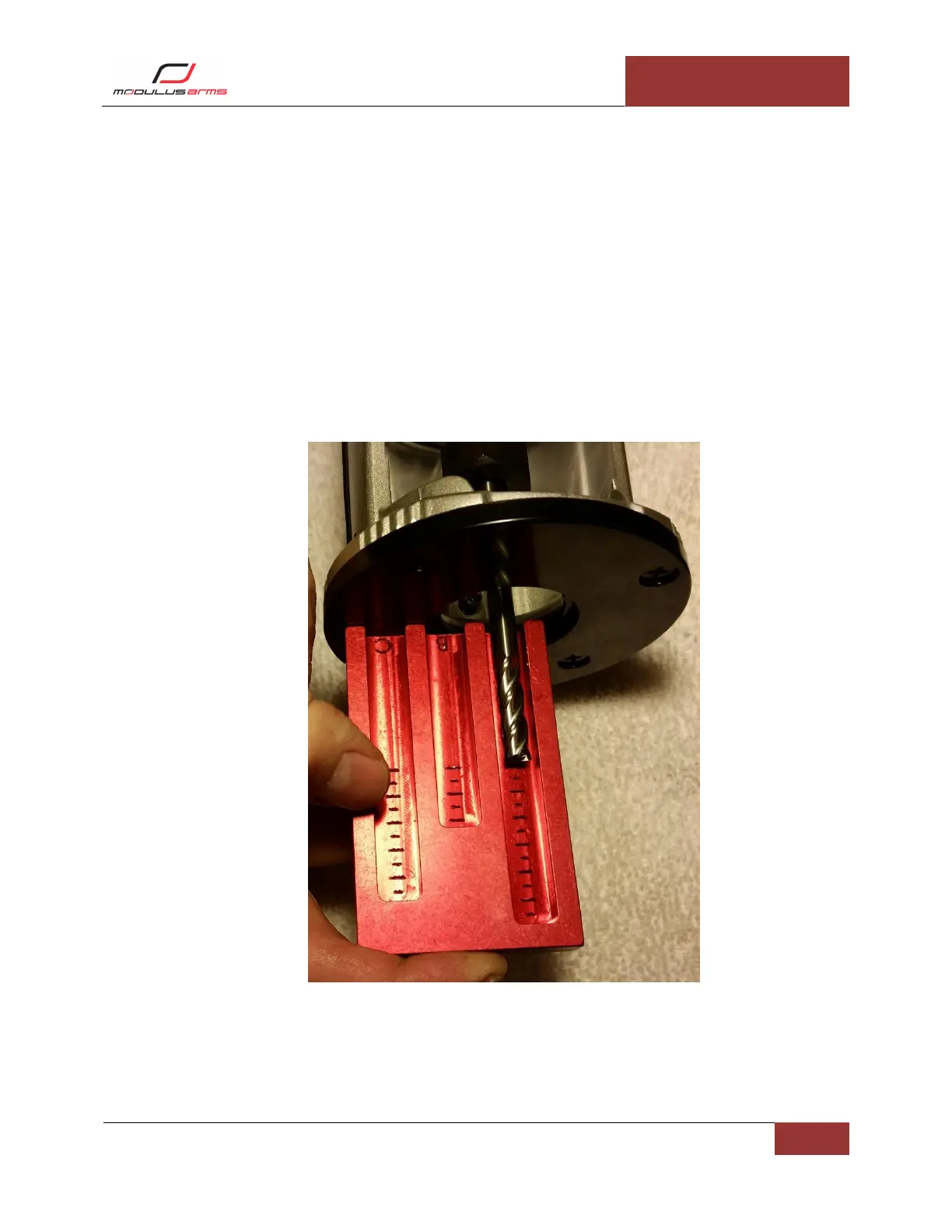
Figure 15: Trigger Slot Depth Setting



 To Next Page