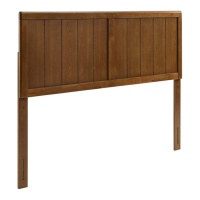
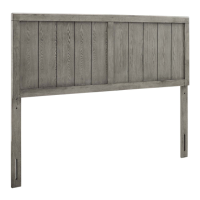
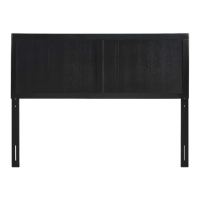
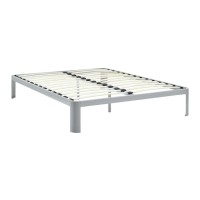
02 of 03
Customer Service 609-256-9000
www.modway.com
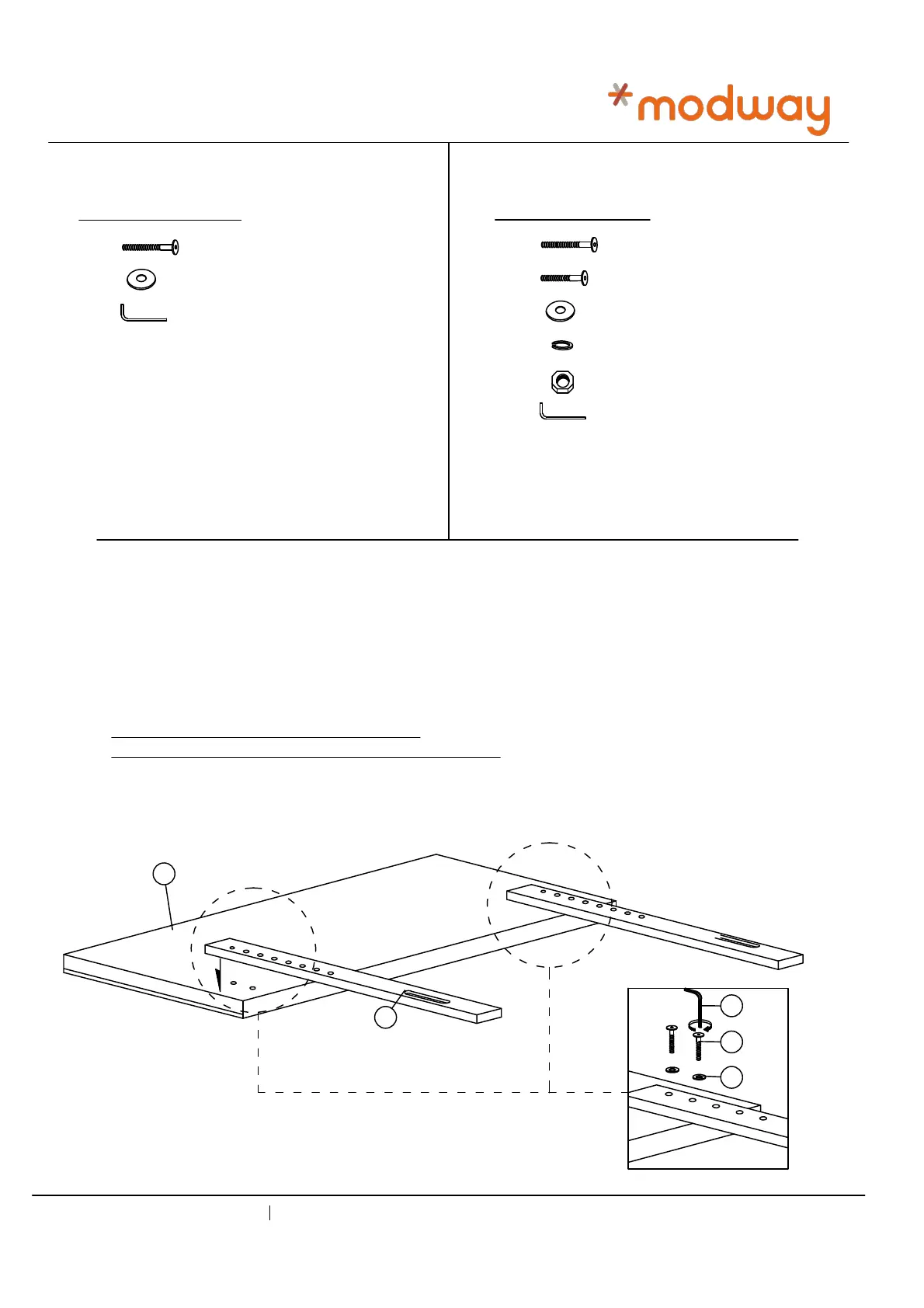
STEP 1
1.1 Align pre-drilled support stand holes over the pre-drilled headboard holes according to your
desired headboard height
1.2 Secure each support stand by using 2x JCBB Bolt [1] and 2x M8 Flat Washer [2].
Tighten with supplied Allen Key [3].
Repeat the same procedure to secure the other side.
JCBB BOLT M8 x 60mm
M8 FLAT WASHER
M5 ALLEN KEY
JCBB BOLT M6 x 60mm
4 PCS
4 PCS
1 PC
JCBB BOLT M6 x 35mm
M6 FLAT WASHER
M6 SPRING WASHER
M6 HEX NUT
M4 ALLEN KEY
4 PCS
4 PCS
8 PCS
4 PCS
4 PCS
1 PC
HARDWARE BED FRAME HARDWARE HEADBOARD
4
5
6
7
8
9
1
2
3
Note: Hardware may loosen over time.
Periodically check that all connections are tight.
MOD-6209
A
B
3
1
2



 To Next Page