POL RUSFINDAN SWENORENG
18
Operating modes and configuration
ENG
6 Operating modes and configuration
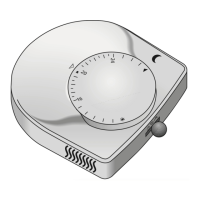
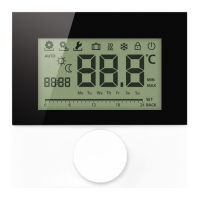
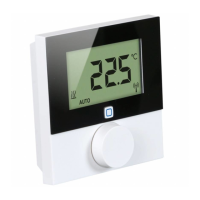
The setting wheel E (see page 4 fig. 1) provides the operating functions of the de-
vice. Depending on the configuration, the settings are transmitted to the Alpha IP
Base station or to the Alpha IP app.
6.1 Configuration menu
The configuration menu is opened by pressing and holding the setting wheel (E).
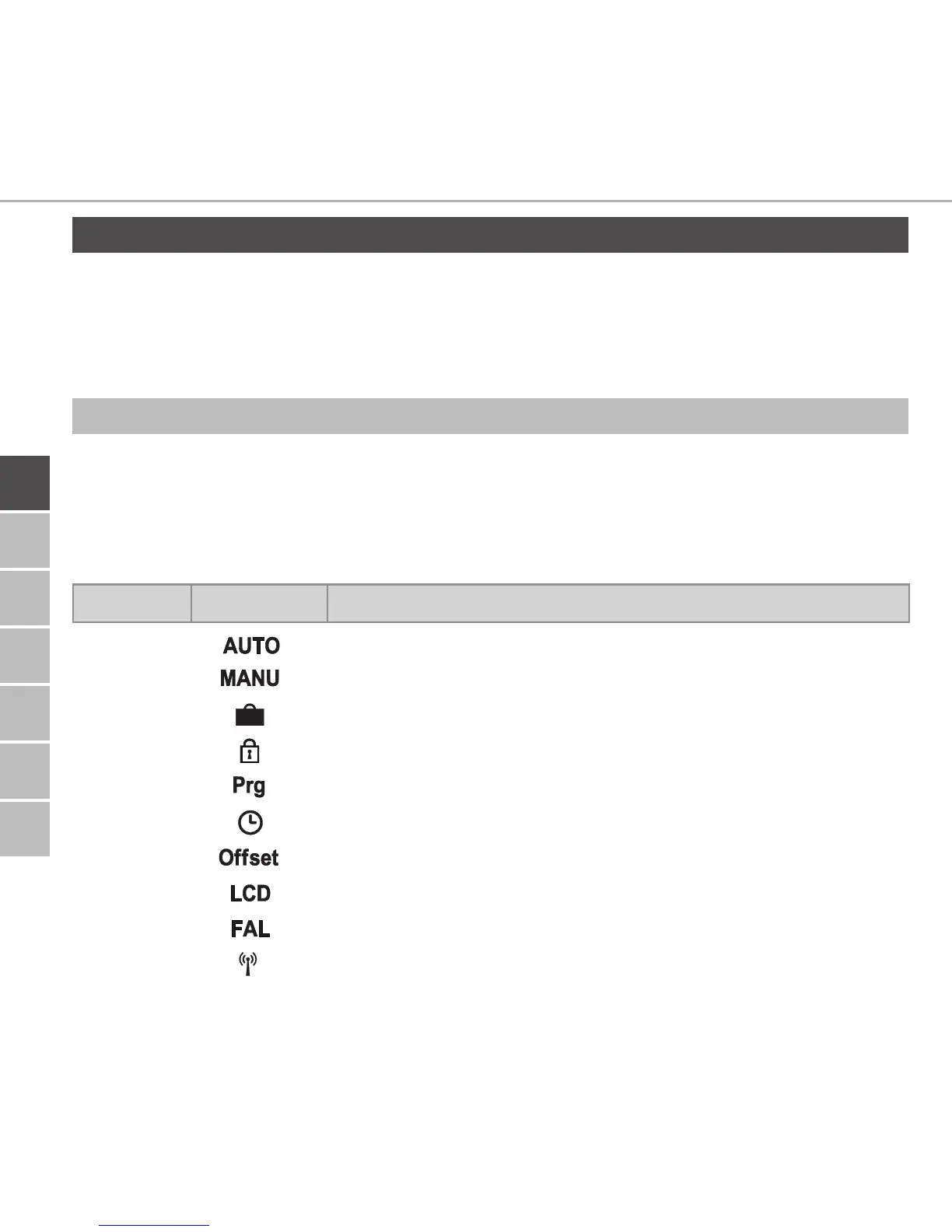
The following symbols/menus are available by rotating the setting wheel; shortly
pressing the wheel will select them.
Section Display Meaning
6.2.1
Automatic operation
6.2.2
Manual operation
6.2.3
Holiday mode
6.2.4
Operating lock
6.2.5
Programming of heating profiles
6.2.6
Date and time
6.2.7
Offset temperature
6.2.8
Selection of temperature display/humidity
6.2.9
Configuration of the base station
6.2.10
Connection test


 To Next Page