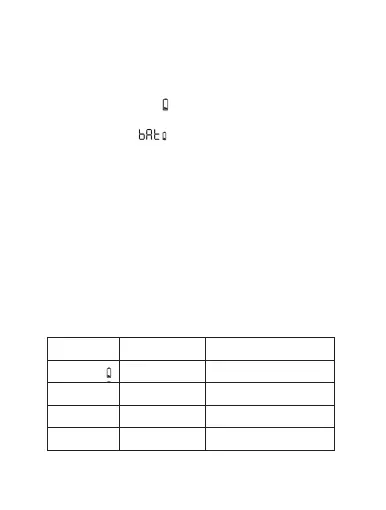
When the battery power is less than 12%, the low
power prompt icon ( )will be displayed. Please
replace the battery as soon as possible, When the
screen displays( )the device is not available.
12. Low Battery
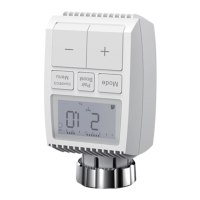
The device operation: Press the “+” and “-” buttons
for 5 seconds to enter the reset mode, and the
screen will display “FAC”
•Press the menu button to confirm.
•Press the boost button to exit.
After the device runs reset, the data will not be saved,
the device will automatically connect to the gateway.
13. Reset
14. Troubleshooting and
maintenance
29
Error code
on display
Problem
Valve drive
sluggish
Check installation, check
the heating valve
Actuating
range too wide
Please check the fastening
of the radiator thermostat
Actuating
range too small
Please check whether
the valve pin is stuck
Solution
Replace batteries
Battery
symboly
Battery
output too low
F1
F2
F3


 To Next Page