4.3 Set date and time
If batteries are inserted or replaced, the date and
time is automatically requested after a brief display
of the fimware version number.
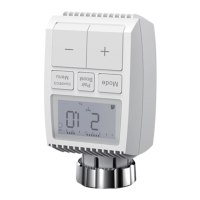
•Set the year, month, dayhour and minute with the
+/- button, and confim with Menu button. You can
press the Boost button to retum to the previous
menu during the setting of date and time.
•The display of ‘InS’ with the rotating ‘ ’ shows
that the motor is still travelling back.
•When ‘AdA’ is shown in the display, the radiator
thermostat can be installed on the valve. After
installation, press the Boost button to run adaptive.
•The display of ‘AdA’ with the rotating ‘ ’ shows
that an adapting run to adapt the thermostat to the
valve.
If the adapting runs is initiated before installation,
press Boost button and the motor travels back to
the ‘InS’position. If an error message (F1,F2,F3) is
displayed, press the Pair/Boost button and the
motor similarly travels back to the ‘InS’ position.
4


 To Next Page