Admin Manual
MWP1100A
13
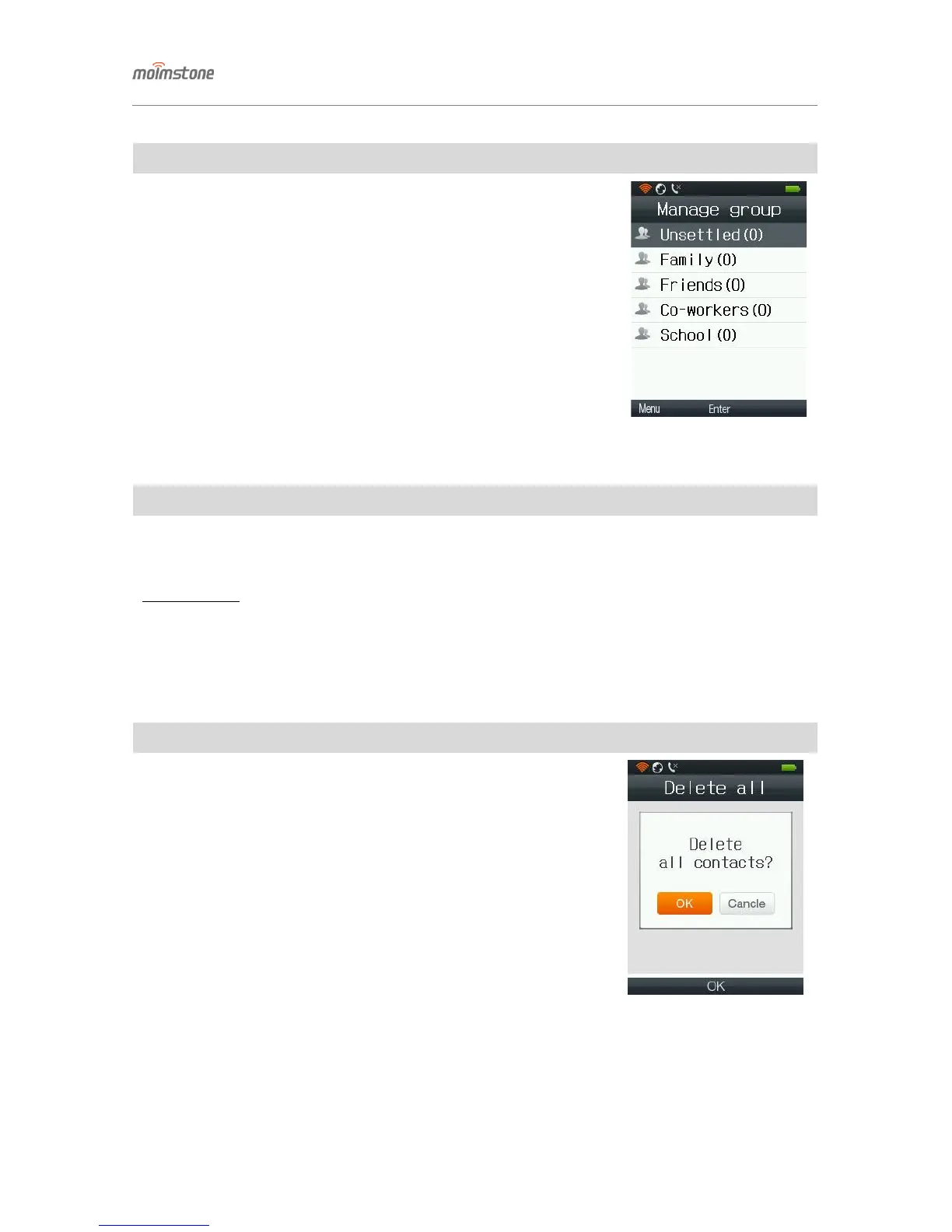
◁ Manage group
□ Setting procedures
[Menu] ▶ 1. Contacts ▶ 3. Manage group
- Can add/delete group by pressing the [Menu] button (the default groups
cannot be edited or deleted)
- Up to 30 Korean/English (capital/lower-case) letters/numbers/symbols can
be entered.
- Can edit the group information by choosing the group and pressing the
[OK] button.
◁ Server sync
□ Setting procedures
[Menu] ▶ 1. Contacts ▶ 4. Server sync
- Being prepared
◁ Delete all
□ Setting procedures
[Menu] ▶ 1. Contacts ▶ 5. Delete all
- Deletes all saved phone numbers.
- Sellect Yes/No, and press [OK].


 To Next Page