Admin Manual
MWP1100A
21
5. Sound
Can set ring sound, effect sound, volume control, and set ring sound for each group.
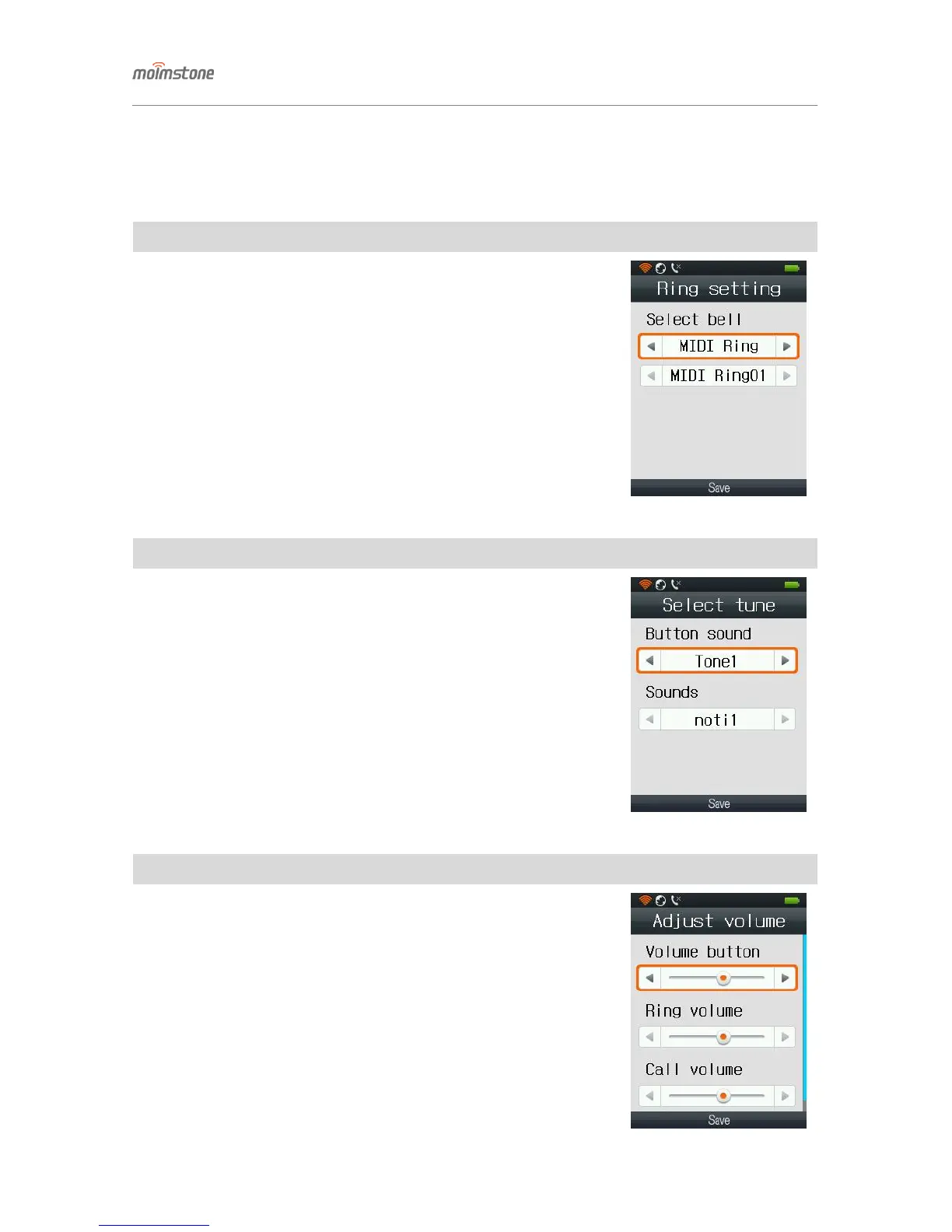
◁ Ring setting
□ Setting procedures
[Menu] ▶ 5. Sound ▶ 1. Ring setting
- Find wanted ring sound and change the setting.
- Select among 10 ring sounds and 10 MIDI ring sounds.
◁ Select tune
□ Setting procedures
[Menu] ▶ 5. Sound ▶ 2. Select tune
- Select button and effect sounds.
◁ Adjust volume
□ Setting procedures
[Menu] ▶ 5. Sound ▶ 3. Adjust volume
- Adjust button sound and bell sound. Use the left/right buttons.



 To Next Page