Maintenance and Troubleshooting
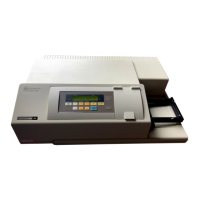
VERSAmax Tunable Microplate Reader Operator’s Manual 4-11
Opening the
Drawer
Manually
If an error occurs while the drawer is closed and you need to open the drawer,
press the
[Drawer] key. If the drawer does not open, turn power to the instru-
ment off and then on again.
If the drawer still remains closed, turn the power off and using your thumb
nail, locate the groove in the upper left side wall of the door. Open the door,
and with your index Þnger, pull the microplate drawer out of the instrument
(do not force the drawer) and remove the microplate. This action will not harm
the instrument, but should be taken only if the Þrst two options have failed to
open the drawer.
If you are still unable to open the drawer, contact Molecular Devices Technical
Support or your local representative for assistance.



 To Next Page