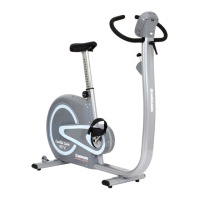
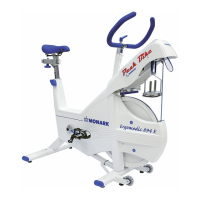
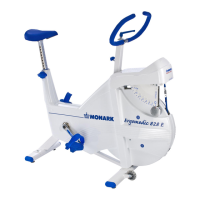
Monark EVO
21
Change units
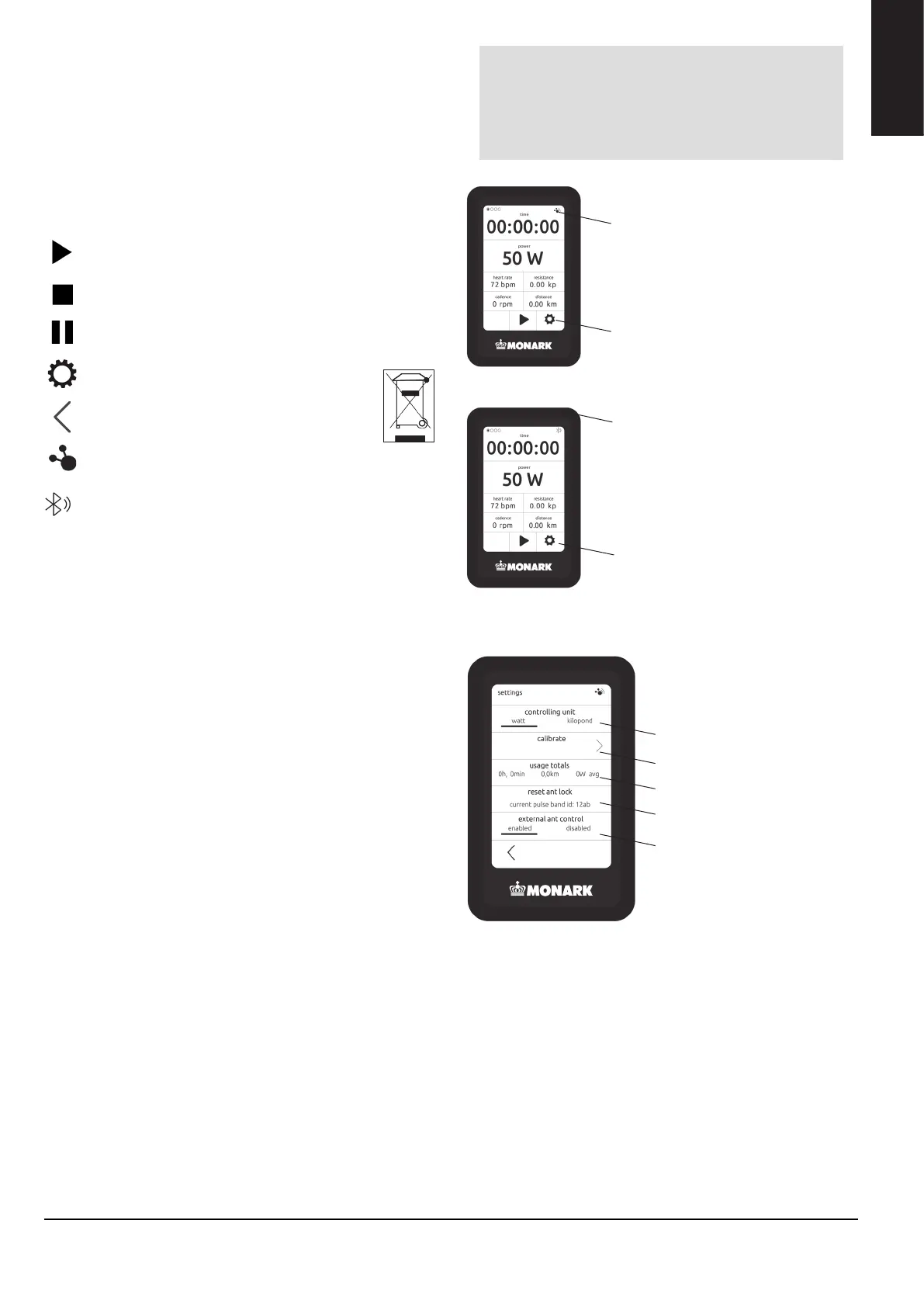
It is possible to switch between kP and watt. You do this
by going to "Settings" and selecting Kilopond or Watt
as "primary unit". NOTE! With external controll the
resistance will be in Kp (speed dependent)
DISPLAY
To start the display, press the on / off button on the right
side of the bike, see fig: On / off.
Start workout by pressing "play”
Pause the measurement by pressing "pause"
Reset the device by pressing "stop"
Sleep mode
After ten minutes of inactivity, the display goes into sleep
mode. To restart the display, press on the screen or start
pedalling.
ANT+/BLE
When the display is connected to an external device, the
ANT+ / BLE symbol is displayed in the upper right corner.
START
STOP
PAUSE
SETTINGS
BACK
CONNECTED EXTERNAL DEVICE VIA ANT+
Settings
ANT+ Connected
Change units
Turn ANT+ on / o
(external connection)
Break lock to chestbelt
Total use, time, distance
Calibration mode
NOTE!
Do not expose the electronic display to direct
sunlight or extremely high temperatures. Do
not use solvents when cleaning, only a dry
cloth.
ENGELSKA
CONNECTED EXTERNAL DEVICE VIA BLUETOOTH
(NO SUPPORT FOR HEARTRATE)
Settings
BLE Connected
ENGLISH



 To Next Page