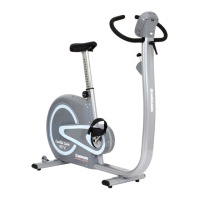
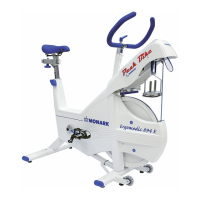
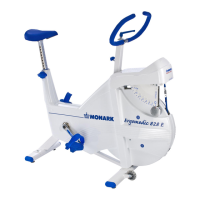
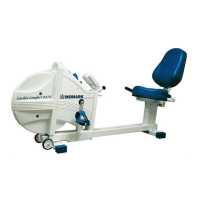
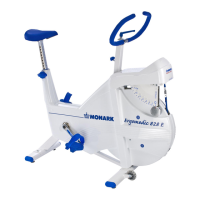
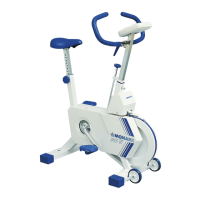
Monark EVO
23
ENGLISH
DISPLAY ANT+ AND
BLE-CONNECTION
The Novo mini offers a connection trough BLE and
ANT+ (trough FTMS and FE-C protocol) and creates new
opportunities to connect to 3rd hand applications. With
the motor controlling the workload it makes it possible for
a third party applications to control the workload on LC6.
Novo mini can also set both the Inertia effect and cycling
constant. The setting of the Inertia effect means that
the ergometer takes into account the acceleration of the
flywheel and the effect that the resistance generates. This
generates a realistic cycling experience at e.g Zwift. The
bicycle constant allows Monark to measure the effect
either at the flywheel (Monark Standard for science) or
at the crank section. This to be able to race against other
Trainers or smartbikes who measure the effect at the
pedals, as well as at races where double power sources are
required.
Settings of the gear controls and sprint buttons, as well
as the Inertia effect and the cycle constant are set via our
small PC app that can be downloaded from our website.
(sport-medical.monarkexercise.se)
CONNECTION
The Novo mini display communicates smart via Blutooth
and ANT+, this via standardised communication protocols
Fitness Machine Service and Fitness Equipment Controls
This means
that there is support for applications on Android (Sam-
sung, Sony, Huawei and more), IOS (Apple) and
also Windows and Mac.
Monark EVO has four different connection modes (de-
pending on the choice of application).
Simulation mode
Here, an application sends information about a simulated
environment that determines
the resistance of the ergometer. The resistance (a certain
kilopond) at e.g. Zwift means the slope of the road in com-
bination with “virtual gears”.
ERG-mode
Here, the application sends information about the effect of
the ergometer regulate against. This can be called “Work-
out mode” in some applications.
Resistance mode
An application sends information about which resistance
level the bike should hold. Resistance level is 0-100%
where Monark translates it to 0-7 kilopond (kp).
Manual mode
No application controls the bike, but applications can still
listen to the ergometer power and cadence, to e.g. display a
certain speed on the screen.
Applications such as Zwift works with both BLE and ANT
+ in both ERG-mode and simulation mode.
ENGLISH



 To Next Page