EasyManua.ls Logo

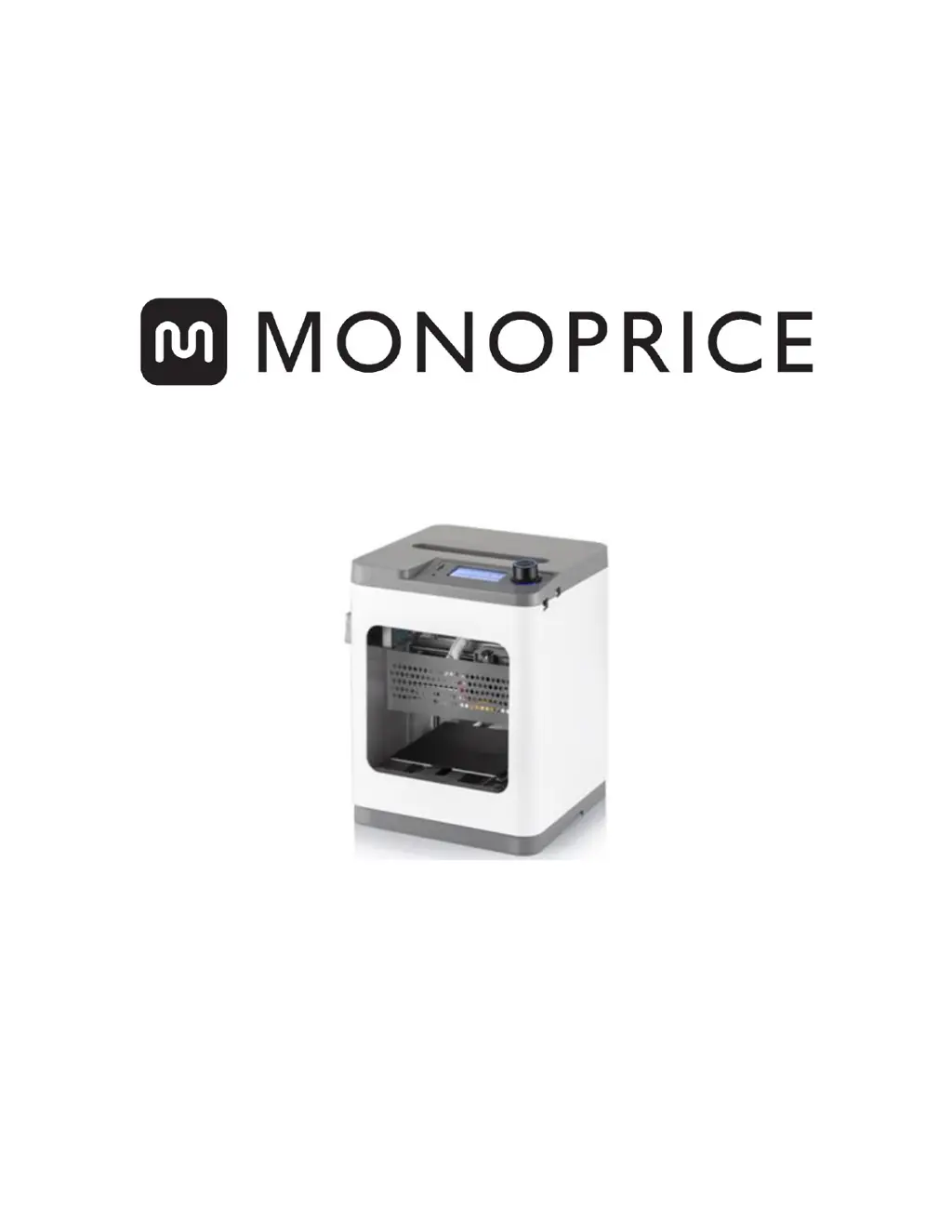
Monoprice MP CADET - User Manual

Monoprice MP CADET
39 pages
Print Icon
To Next Page IconTo Next Page
Loading...
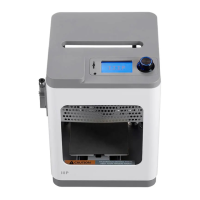
MP Cadet 3D Printer
P/N 40108
User's Manual

Questions and Answers

  • A
    Alexis BarnesJul 26, 2025
    Why won't my Monoprice Vacuum Cleaner start?
    • J
      joel88Jul 27, 2025
      If your Monoprice Vacuum Cleaner won't start, there are several potential causes. First, ensure the battery is correctly installed. If not, reinstall it. Second, the battery might be drained, requiring a recharge. Third, the vacuum may be in a protected state; try turning it off and then back on. Finally, check if the insulating strip has been removed from the battery terminals, and remove it if it hasn't been.
  • B
    blackdebraJul 30, 2025
    Why does the LED indicator on my Monoprice Vacuum Cleaner glow red?
    • M
      Matthew KimJul 31, 2025
      If your Monoprice Vacuum Cleaner's LED indicator glows red, even after you've turned it on, there are a couple of reasons. It could be that the battery charge is low, in which case you should fully charge the battery. Alternatively, the vacuum might have been lifted off the floor; placing it back on the floor should resolve this.
  • S
    Steven RossAug 4, 2025
    What to do if my Monoprice Vacuum Cleaner is on but not collecting dirt?
    • H
      Hunter HernandezAug 4, 2025
      If your Monoprice Vacuum Cleaner is on but not picking up dirt or hair, the Dust Bin might be full. You should empty and clean the Dust Bin. Another possibility is that the filter isn't installed correctly. Try removing the Dust Bin and then reinstalling the filter.
  • J
    Jamie SmithAug 8, 2025
    Why is the LED indicator still flashing blue on my Monoprice Vacuum Cleaner after 4 hours?
    • C
      Christopher LandryAug 8, 2025
      If the LED indicator on your Monoprice Vacuum Cleaner continues to flash blue after charging for 4 hours, it's possible that the power supply was interrupted during charging. Continue charging the battery until the LED indicator stops flashing.
  • J
    Joseph ButlerAug 12, 2025
    Why does my Monoprice Vacuum Cleaner move backwards?
    • J
      Jessica DavenportAug 12, 2025
      If your Monoprice Vacuum Cleaner moves backwards after being switched on, it could be due to a couple of factors. The vacuum might be on a dark floor, so try placing it on a light-colored floor. Alternatively, one or more of the anti-drop sensors might be covered. Make sure that the anti-drop sensors are clean and unobstructed.
  • P
    Paula GonzalesAug 17, 2025
    How to fix crooked side brushes on Monoprice Vacuum Cleaner?
    • B
      Barry WolfAug 17, 2025
      If the side brushes of your Monoprice Vacuum Cleaner are crooked and not cleaning well, it's likely they've been used for an extended period. Remove the brushes and soak them in scalding hot water to help them recover their original shape.
  • J
    Joyce CainAug 21, 2025
    Why does my Monoprice Vacuum Cleaner run in circles?
    • A
      Albert DuarteAug 22, 2025
      If your Monoprice Vacuum Cleaner runs in circles and never runs straight, it's possible that one of the power wires for the wheel motor has come loose. You should remove the wheel drive cover and reconnect the loosened wire.

Summary

Safety Warnings and Guidelines

Getting Started

OSD Menu System

Control Menu

Temperature

Adjusts the nozzle temperature for printing.

Z Offset Setting

Calibrates the distance between the nozzle and the print bed.

Wi-Fi Network

Manages network connections and settings.

Print Control Menu

Tune

Accesses real-time print adjustment settings.

Tune Menu

Speed

Adjusts printing speed during operation.

Nozzle

Adjusts nozzle temperature during operation.

Power Loss Recovery Menu

Loading Filament

Level Bed

Connect to Wi-Fi

Pausing and Resuming Print

Continuing a Print After Power Loss

WiiBuilder Slicing Software

Technical Support

Monoprice MP CADET Specifications

General IconGeneral
Filament Diameter1.75 mm
Nozzle Diameter0.4 mm
Supported MaterialsPLA
FramePlastic
TechnologyFDM (Fused Deposition Modeling)
Layer Resolution0.05 - 0.3 mm
ConnectivityUSB
DisplayLCD Screen
Weight6.6 lbs (3 kg)

Related product manuals