EasyManua.ls Logo

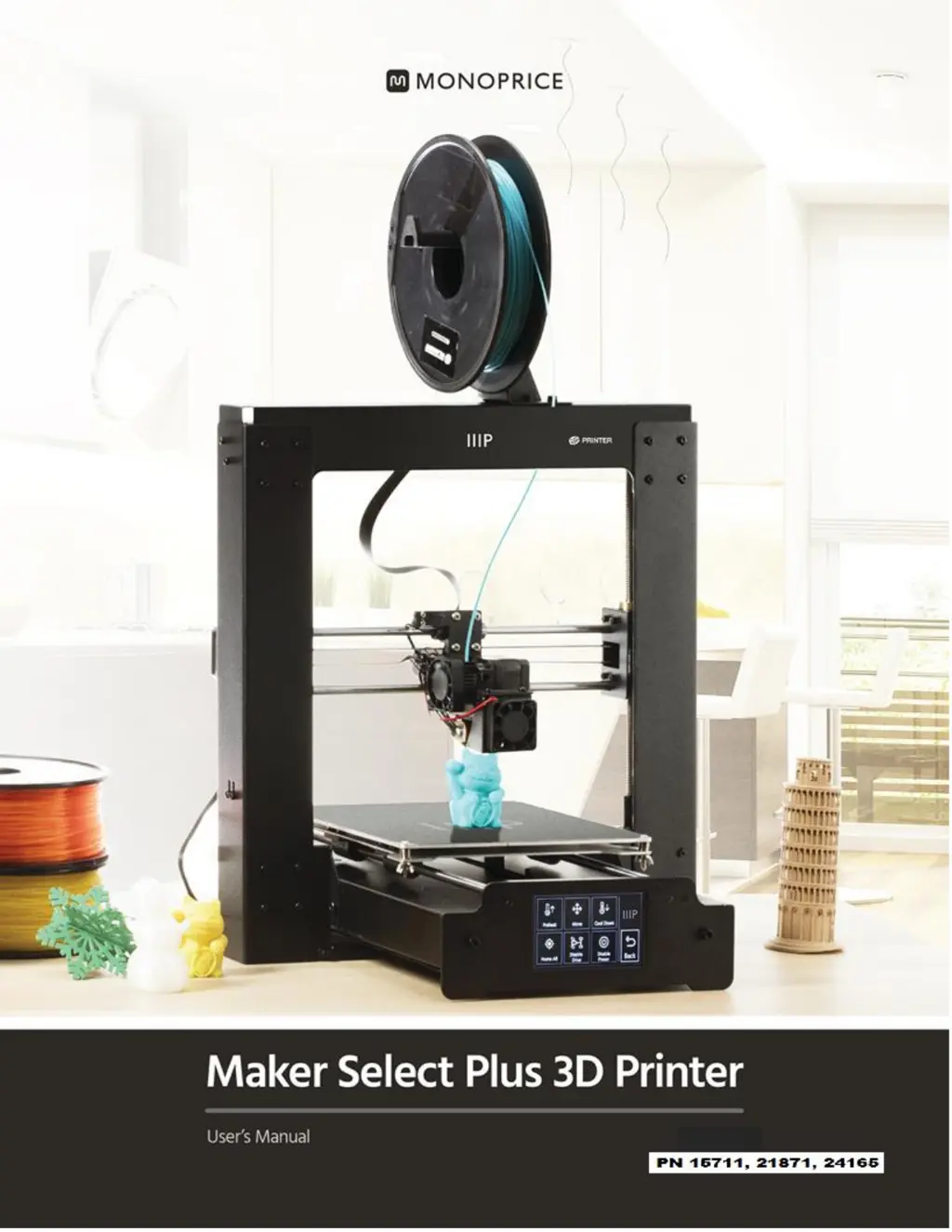
Monoprice Maker Select Plus IIIP - User Manual

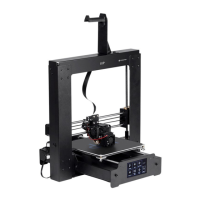
Monoprice Maker Select Plus IIIP
38 pages
Print Icon
To Next Page IconTo Next Page
Loading...

Questions and Answers

  • R
    Reginald ValenciaAug 3, 2025
    Why is my Monoprice Maker Select Plus IIIP model warping?
    • J
      jonathanwattsAug 3, 2025
      To prevent warping or curling of your printed model with Monoprice 3D Printers, ensure the heated print bed temperature is correct for the material you're using. Also, check the infill percentage in your GCODE file; a higher infill can increase the likelihood of warping. Additionally, consider adding a brim or raft to your file.
  • J
    Jennifer RosarioAug 8, 2025
    What to do if 3D object is not sticking to the heated print bed on Monoprice Maker Select Plus IIIP 3D Printers?
    • M
      matthewcrawfordAug 8, 2025
      If your 3D object isn't sticking to the heated print bed of your Monoprice 3D Printers, make sure the print bed is clean and free of dust. Verify that the bed temperature is correct for the printing material. Also, ensure the bed is level and the proper distance from the extruder nozzle (about the thickness of printer paper). Check the printing mat for defects or scratches and replace if needed, using the included mats, masking tape, painter's tape, or Kapton® tape. You might also want to add a brim or raft to the model.
  • J
    juan99Aug 15, 2025
    How to fix stringing on Monoprice Maker Select Plus IIIP?
    • L
      Lisa BarreraAug 15, 2025
      If your Monoprice 3D Printers model appears very 'stringy', first ensure that the filament diameter setting matches your filament spool (1.75mm). If it does, try creating a new GCODE file. Also, check that the nozzle temperature is set correctly for the type of material you are printing.
  • C
    christinarichardsonAug 21, 2025
    What to do if the print head or bed does not move on Monoprice 3D Printers?
    • M
      Mary StantonAug 21, 2025
      If the print head or bed of your Monoprice 3D Printers doesn't move, turn the printer off or disable the stepper motors and check if the parts can be moved manually. Remove any obstructions. Use the Move menu options to see if the motor is turning. If the motor turns, but the belt doesn't move, tighten the gear motor gear nut.
  • S
    Stephanie HornAug 27, 2025
    What to do if the motor does not stop at the end of the axis on Monoprice 3D Printers?
    • J
      Jacob HernandezAug 27, 2025
      If the motor on your Monoprice 3D Printers doesn't stop at the end of the axis, check that the stop micro switches are aligned with the motor mount and are being activated.

Summary

Product Overview

Front View

Details components visible from the front of the 3D printer.

Using the Menu System

Main Menu

Describes the primary navigation options within the printer's interface.

System Menu

Accesses settings for language, homing, PID, and motor parameters.

PID Menu

Allows adjustment of PID parameters for temperature control.

Maintenance

Nozzle Cleaning

Procedure for clearing blockages in the printer's nozzle using a drill bit.

Lubricating the Z-Axis

Instructions for lubricating the Z-axis threaded rods with Teflon® grease.

Regulatory Compliance

Notice for FCC

Details compliance with FCC rules for radio frequency interference.

Monoprice Maker Select Plus IIIP Specifications

General IconGeneral
Build Volume200 x 200 x 180 mm
Print TechnologyFused Filament Fabrication (FFF)
Nozzle Diameter0.4 mm
Filament Diameter1.75 mm
ConnectivityUSB, SD Card
Print SpeedUp to 150 mm/s
Heated BedYes
Nozzle TemperatureUp to 250°C
Layer Resolution0.1 - 0.4 mm
Supported Filament TypesPLA, ABS
DisplayLCD
Weight10 kg
Power Requirements110V/220V

Related product manuals