6
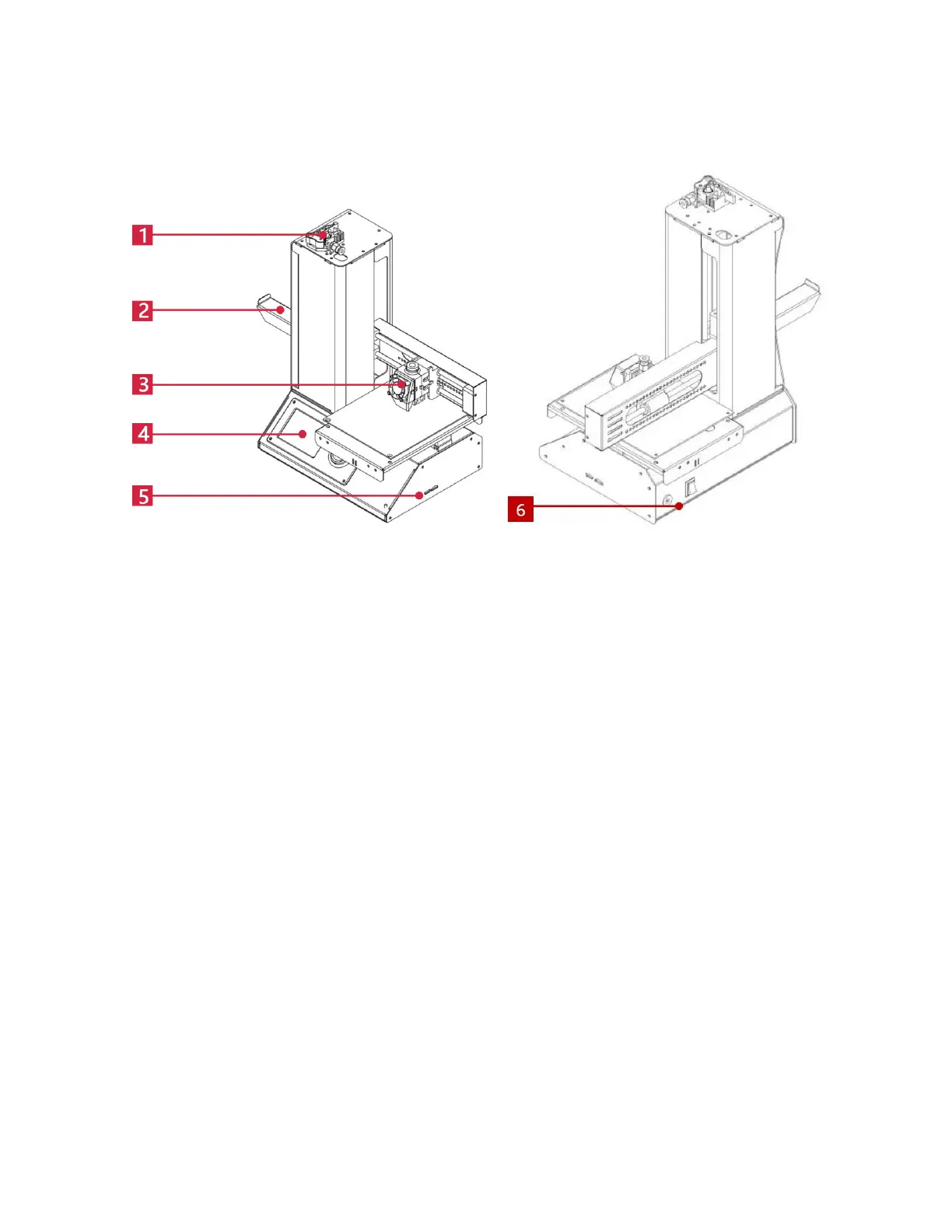
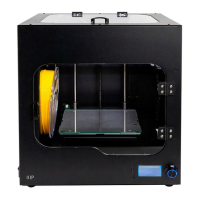
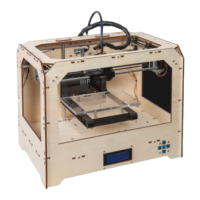
PRODUCT OVERVIEW
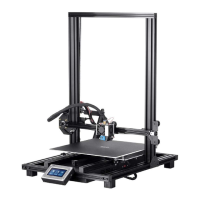
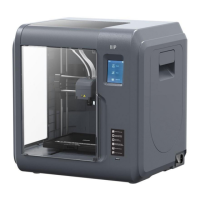
1. Feed Mechanism
2. Filament Rack
3. Extruder
4. LCD Display
5. Micro USB and MicroSD™ Ports
6. Input Power Jack and Power Switch
USING THE MENU SYSTEM
The menu system is displayed on a lighted LCD screen.
The menu selection highlight or pointer is moved by pressing the top and bottom
buttons to the right of the display.
Pressing the top button moves the highlight/pointer to the left and up.
Pressing the bottom button moves the highlight/pointer to the right and down.
Pressing the top button while editing a value decreases that value.
Pressing the bottom button while editing a value increases that value.
Press the center button to activate the selected menu item or to save an edited
value.


 To Next Page