10
STEP 5 Low Current Audio Outlet (Switched) Hookup
NOTE
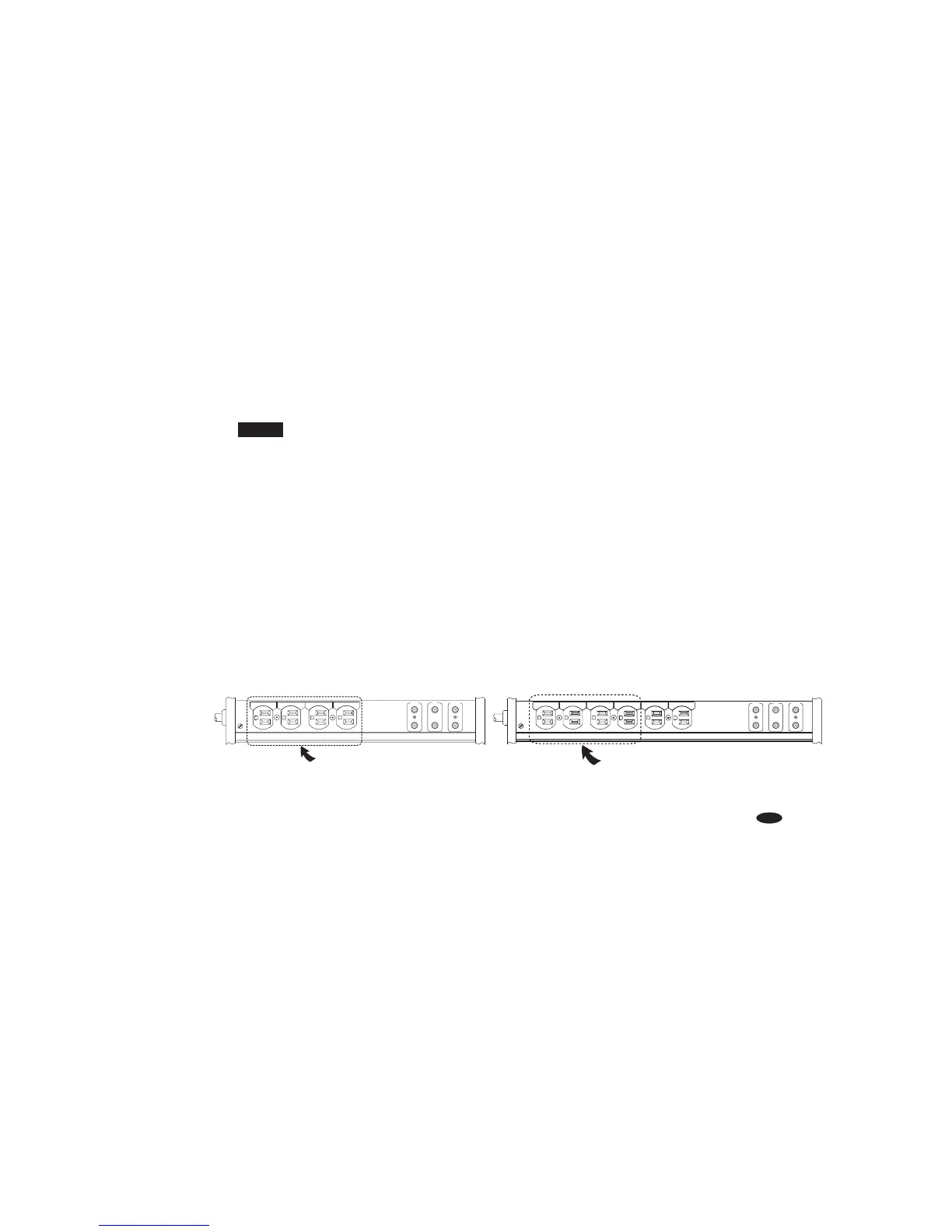
Because certain components don’t need continuous power, or shouldn’t be turned on continuously,
these outlets are "switched."This means the components plugged into these outlets won’t receive power
until your PowerCenter is turned On. You can plug any type of low current audio component
(e.g., portable cassette player) or video component (e.g., camcorder) into the preamp or tape outlets.
A) Attach a Monster Power ID label to each component’s power cord before you plug it
into the appropriate color-coded PowerCenter outlet.
B) PREAMP: Plug the preamp’s power cord into the PowerCenter’s corresponding PREAMP outlet.
C) TAPE: Plug your tape deck’s power cord into the corresponding TAPE outlet.
D) RECEIVER: Plug the receiver’s power cord into the corresponding RECEIVER outlet.
E) AUDIO SPARE: You can plug any type of low current audio component (e.g., portable cassette player)
or video component (e.g., camcorder) into this outlet. Plug your component’s power cord into the
corresponding spare outlet.


 To Next Page
 Loading...