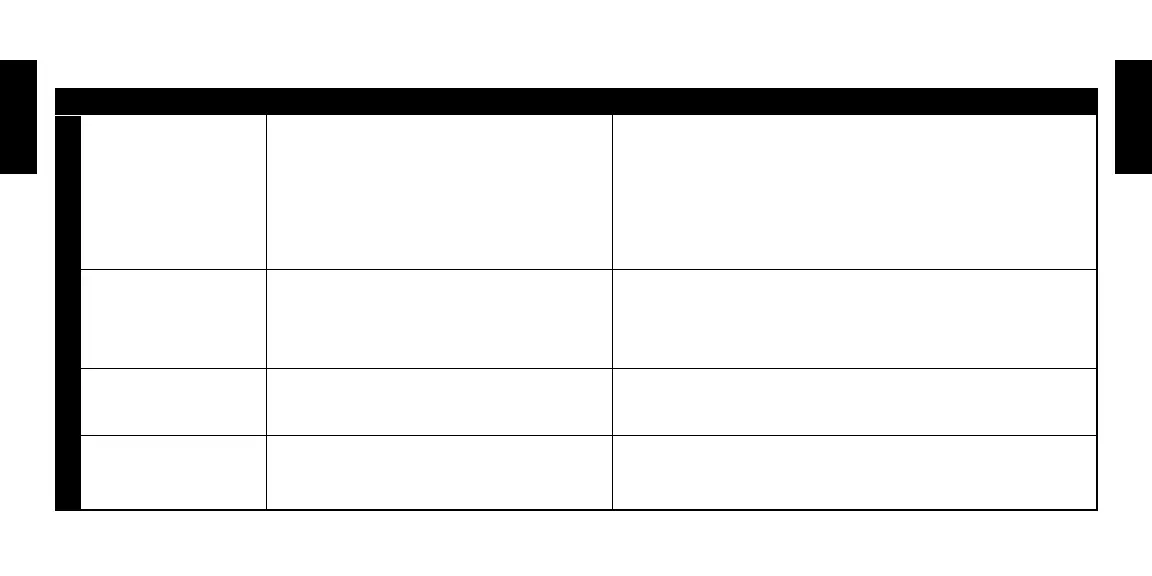
SYMPTOM POSSIBLE CAUSE REMEDY
The Monster® PowerCenter™
is not receiving power.
The Monster® PowerCenter™ is not turned on.
Too many devices are connected, causing an overload,
tripping the circuit breaker.
• Turn the Monster® PowerCenter™ switch on.
• Make sure the Monster® PowerCenter’s AC power plug is plugged into a properly grounded 120 volts
(nominal) wall outlet.
• In some households, a wall switch may need to be thrown to make the wall plug active. Try turning
on the light switches located near the wall unit.
• Press the Monster® PowerCenter™ main power switch to “OFF” and then again
to “ON” to reset.
Speakers emit a humming
or buzzing noise.
The Monster® PowerCenter™ is sharing AC power with
equipment that is not properly grounded.
• Connect your Monster® PowerCenter™ to a dedicated outlet.
• Try unplugging different components from the Monster® PowerCenter™ one
at a time to see if the noise stops.
• Make sure all components are plugged into the Monster® PowerCenter™.
“Ground OK” Diagnostic Indicator
Light does not come on.
Make sure the Monster® PowerCenter™
is plugged into grounded outlet.
Contact a qualified electrician to check outlet(s) for proper grounding.
Alarm beeps continuously. The Monster® PowerCenter™ protection circuitry
has sacrificed itself to protect connected
equipment from a catastrophic surge.
The Monster® PowerCenter™ must be replaced. See the “Limited Warranty for Consumers” section for
important details.
TROUBLESHOOTING
Troubleshooting
ENGLISH
ENGLISH



 To Next Page