CONTROLS AND CONNECTIONS | 11
Controls and Connections
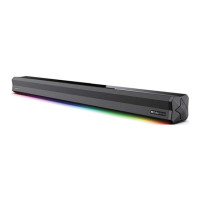
Get to know your Soundbar
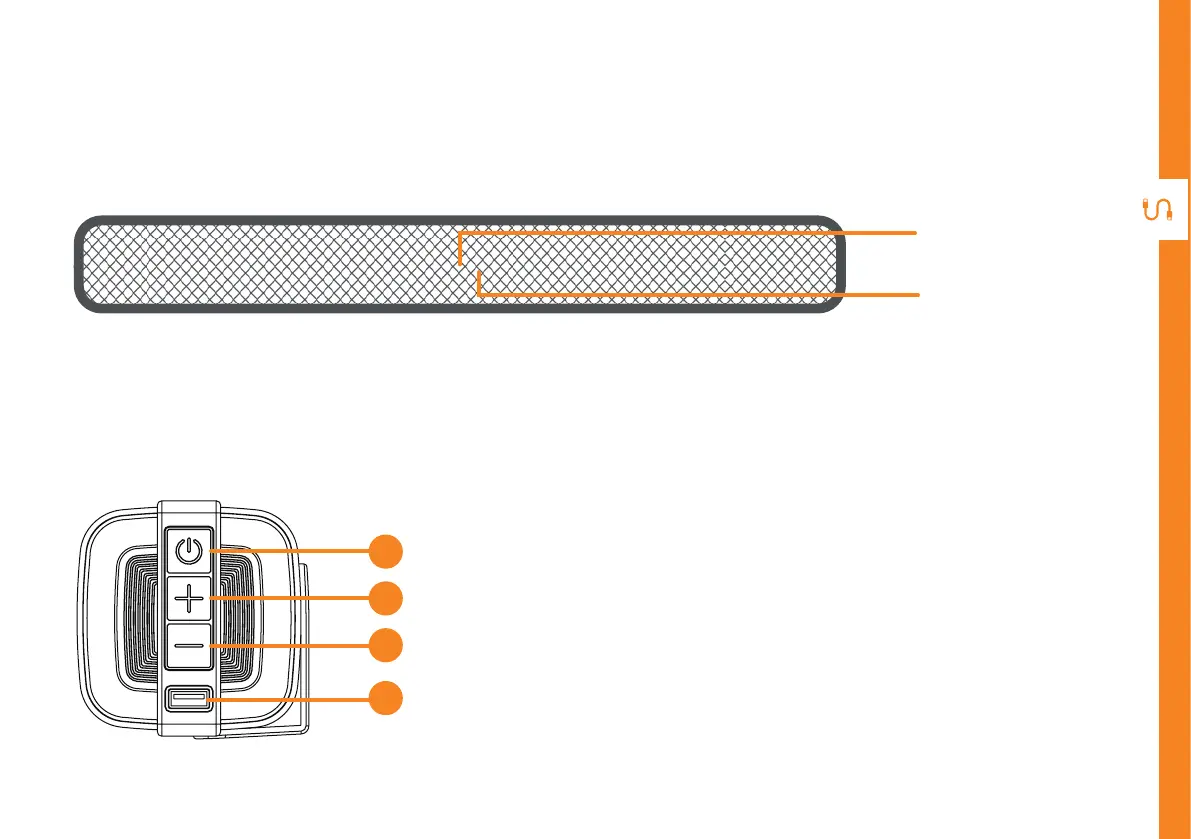
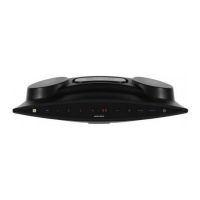
Buttons on the Soundbar
LED display
Front view
Remote control
sensor
1. POWER/MODE: press to turn the soundbar on.
Press repeatedly to change the input mode. Press
and hold to turn the soundbar off.
2. + button: press to increase volume level.
3. - button: press to decrease volume level.
4. USB port : plug in your USB device for playback.
1
2
3
4


 To Next Page