12 | CONTROLS AND CONNECTIONS
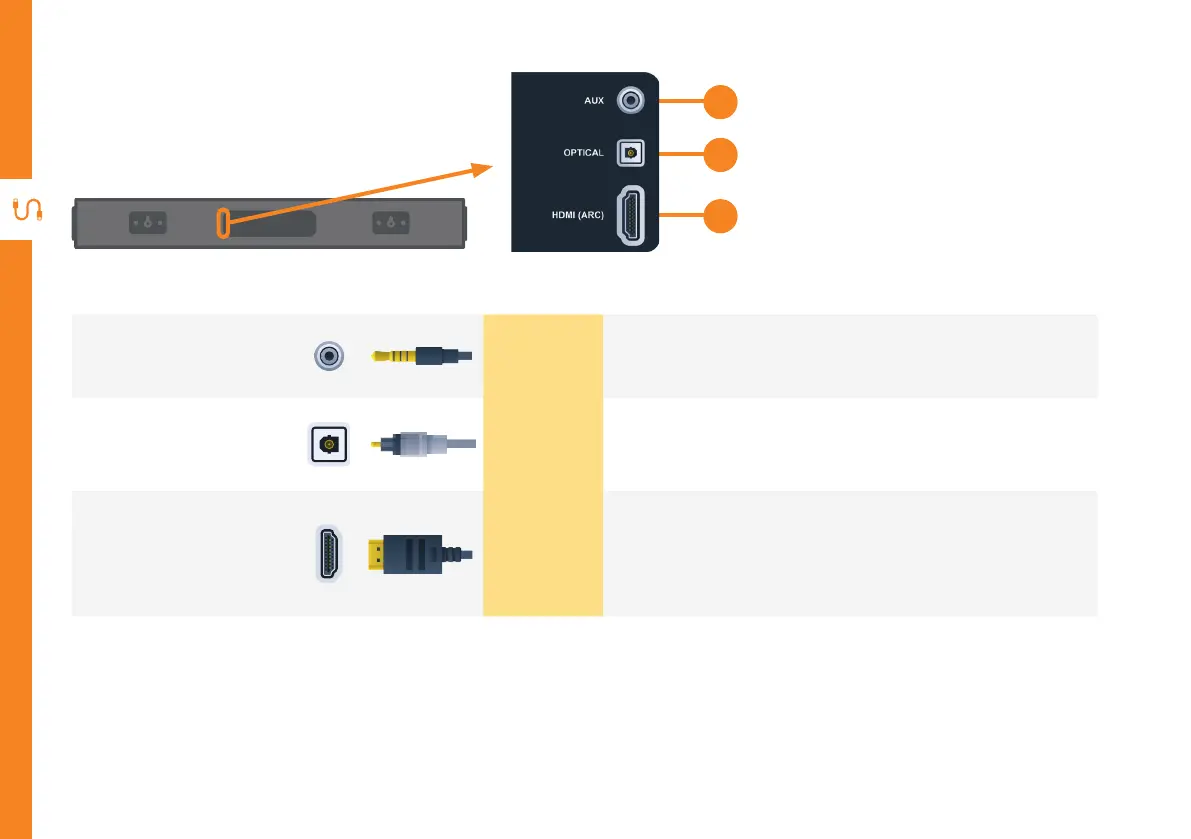
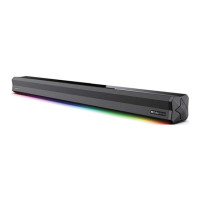
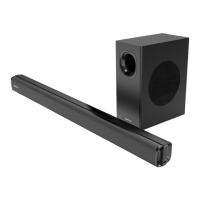
Ports on the Soundbar
1
AUX
SOUND
Use a 3.5mm audio cable (not included) to connect the
headphone socket of the connected audio device, such as a
media player, to the AUX socket on the soundbar.
2
OPTICAL
SOUND
Connect an optical cable (included) to the OPTICAL
OUT socket of your device (e.g. TV, DVD player) and the
OPTICAL socket on the soundbar.
3
HDMI
(ARC)
SOUND
The ARC (Audio Return Channel) function allows youto
send audio input from an ARC-compliant TV to an ARC-
compliant audio device (e.g. soundbar) without the need
for an additional audio cable connection
1
2
3


 To Next Page