22 | TROUBLESHOOTING
If you encounter any problems with your product, please check this list of possible issues for a solution. If you
don’t find a solution here, contact After Sales Support on 1300 886 649.
Troubleshooting
Problem Solution
No power
• Ensure that the power is properly connected.
• Ensure that there is power at the AC outlet.
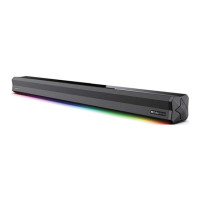
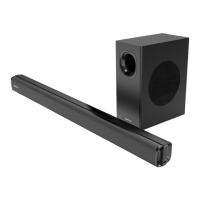
• Tap the button on the soundbar or press the button on the remote to turn the soundbar on.
Remote control does
not work
• Use the remote control closer to the soundbar. Aim directly at the sensor on the front of the
soundbar
• Insert the battery with its polarities (+/-) aligned as indicated. Please check the battery is installed
correctly.
• Replace the battery.
No response from the
soundbar
• Disconnect and reconnect the power, then turn the soundbar on again.
Soundbar not found in
the Bluetooth device
list when pairing
• Ensure you have unpaired the previously paired Bluetooth device from the soundbar.
• Ensure the Bluetooth function is activated on your Bluetooth enabled device.
General sound issues
• Make sure the soundbar is connected to power and turned on (LED display on), and that it’s set to
the correct mode; use the INPUT button on the remote to change the input mode.
• To check the system hasn't frozen, press the volume buttons; the number in the LED display should
change accordingly.
• If only a specific input mode is not working, it’s likely the setting is wrong or the cable used is not
working.
No sound from
Netflix/other apps
• Go to the TV settings menu, find Audio Output settings, and change the audio output mode to
'PCM' mode (instead of Auto, RAW, etc.)


 To Next Page