24 | TROUBLESHOOTING
For Technical and Warranty Support
1300 886 649
monster@tempo.org
monsterproducts.com.au
Distributed by Tempo (Aust) Pty Ltd,
PO Box 132, Frenchs Forest NSW 1640
Problem Solution
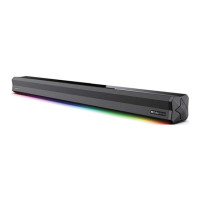
No sound in AUX IN mode
• Make sure the LED screen is displaying 'AU'. Turn up the volume on the soundbar.
• Turn up the volume on the external device and make sure it’s not paused or muted.
• Make sure the 3.5mm audio cable (not included) is properly plugged in at both ends.
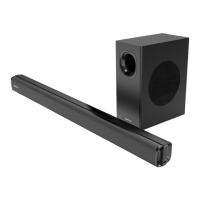
No connection between the
soundbar and the subwoofer
• If the connection indicator LED flashes blue, it indicates that the connection has failed. Turn
the soundbar to standby mode and turn off the subwoofer. Wait 1 minute and reconnect both
the soundbar and subwoofer to the AC power.
• If the wireless connection fails again, check if there is conflict or strong interference (for
example, interference from an electronic device) around your location. Remove these
conflicts or strong interferences and repeat the above procedures.
• Please pair the subwoofer manually.


 To Next Page