2022-09-07 - 40 - 2200700
Chart & Time
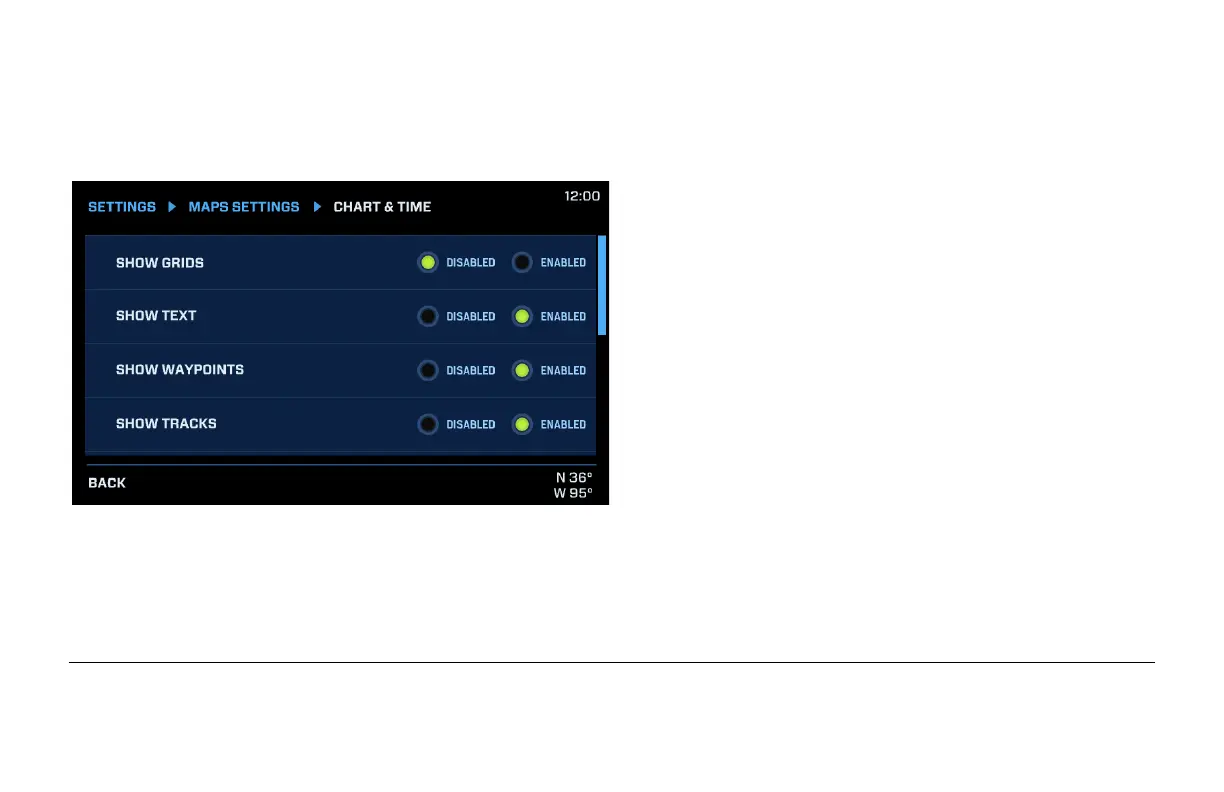
The Chart & Time menu allows you to change the appearance of the Maps feature.
Choosing Disabled will hide the selected feature,
while choosing Enabled will reveal these selected
features:
• Grids
• Text
• Waypoints
• Tracks
• Navigation Aids
• Waypoint Names
• Daylight Saving Time
As you scroll down the screen, two additional options are present:
• GMT Offset: use the – and + buttons to set the hours of offset from GMT for your location.
• Time Display Format: select 12 or 24 hour.



 To Next Page