• Delete: This option asks if you wish to delete the current waypoint. If you select Yes, it will no
longer appear on the map.
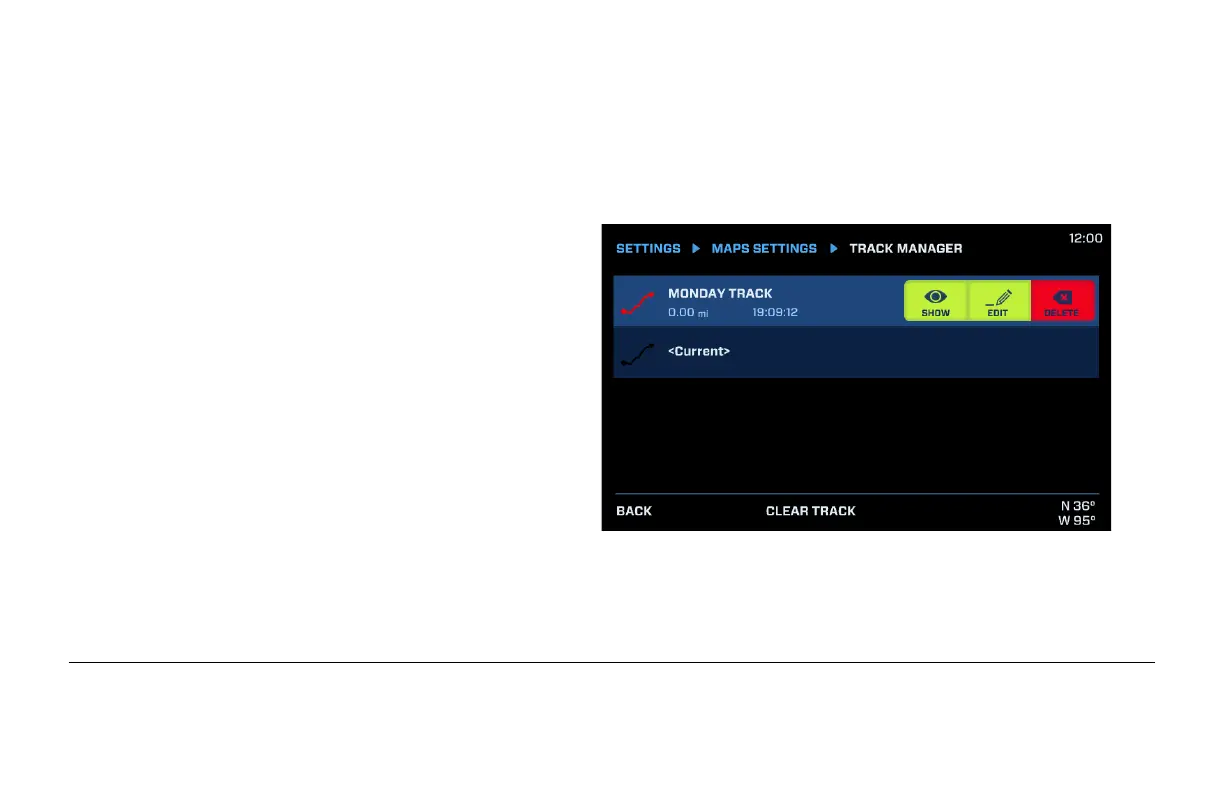
Track Manager
Track Manager allows the editing of the
existing tracks within memory. Touch the
desired track, and choose one of the
following:
• Show: alternates between Showing or
Hiding the track on the map.
• Edit: displays the keyboard to edit the track
name. Track color may be edited by
holding your finger down on the track color
to the left of the track name. Choose one
of many colors for that track. Press Enter when done editing.
• Delete: asks if you wish to delete the track.
• Clear Track: asks if you wish to delete the current track.


 To Next Page