User Guide Getting Started
SSE-0000101061-03
Morpho Document - Reproduction and Disclosure Prohibited.
The slot is a push-push connector: push to insert, push to extract. Push the SIM card completely and
release your finger, the SIM must remain into the slot and appear about 1 mm out. To extract it, if
it is necessary, you will have to push it back and release your finger again.
You can now gently close the SD & SIM Card Cover and Power ON your device.
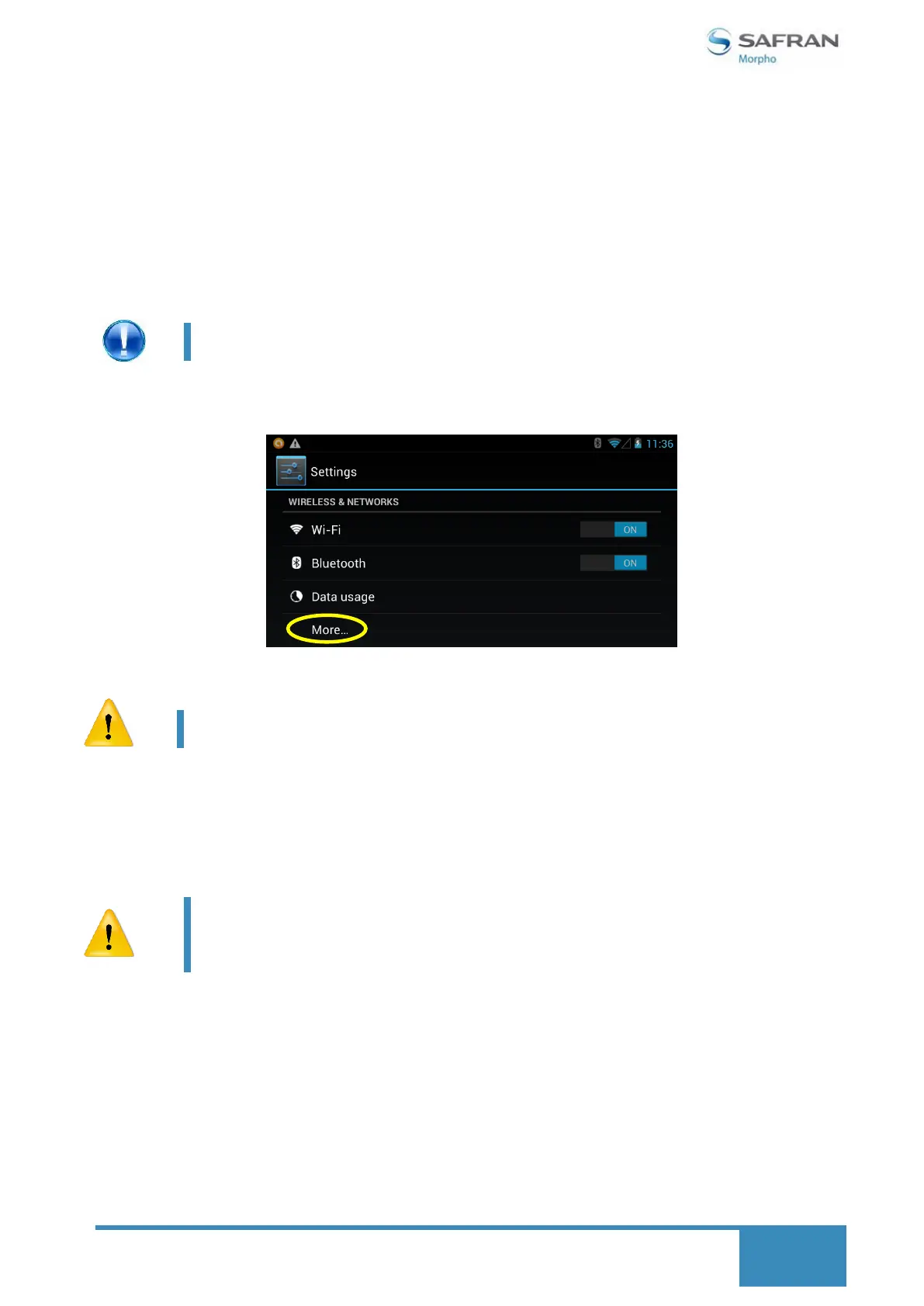
You must configure the Settings of the Mobile Communications in conformity with your local
telecom operator.
Radio links like Wi-Fi will drain more battery reducing battery time in
low network areas.
microSD Memory Card:
To insert or remove a microSD Memory Card, proceed as follows:
Be sure to insert the card in the correct direction and orientation. To take it out, just push the
micro-SD card, and then the slot releases the card and pops it out automatically.
Do not pull out the card when operating (reading, copying), or it may
cause data error.
Do not use the microSD card under high temperature condition.
Keep the microSD card far from liquid and erosive materials.
Please note that your telecom operator may charge extra or according
to current bill plan on 2G or 3G connection.


 To Next Page