27
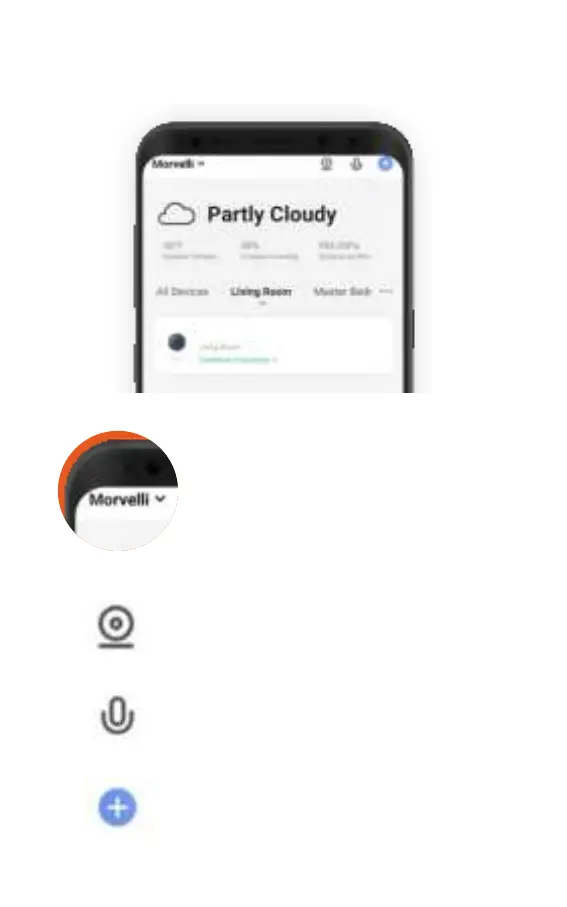
SMART LIFE MAIN MENU
Name of your house
In this menu, you can customize your
home: name, and number of rooms,
add new users to your home, set up
geolocation to display temperature and
other weather parameters.
Multiview
This menu will appear as soon as you
add two or more cameras. In this
menu, you can view video from several
cameras at once.
Voice assistant
You can perform some actions with the
camera using voice commands.
Add new device
For example: a second camera or other
smart device that works in conjunction
with the Smart Life app.



 To Next Page