9
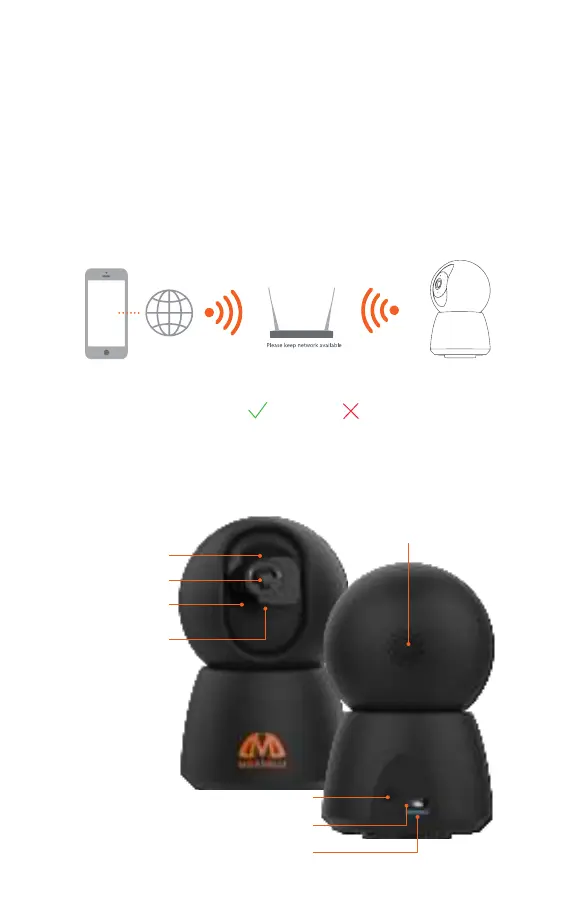
Viewing video from the camera is possible anywhere in
the world. Connecting to the camera is possible from
any mobile device (smartphone, tablet) using application
“Smart Life”.
The camera must be connected to the Internet via a
Wi-Fi network (2.4 GHz router), and the smartphone must
have Internet access. The Smart Life app is free for both
owners of Android and iOS devices.
2.4GHz 5GHz
CAMERA ELEMENTS DESCRIPTION
MicroSD cardslot
Reset Button
MicroUSB
Lens
Infrared LEDs
Microphone
Status Lights
Speaker



 To Next Page