10
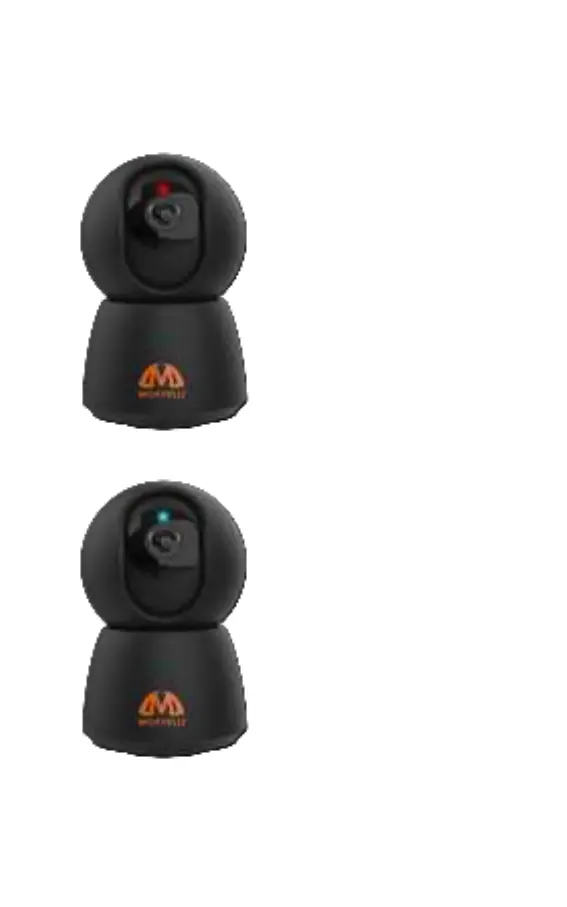
There are 4 status indicators (ashing lights)
Flashing red
Start mode. The camera is
waiting for a connection to
a WiFi router (Internet) and
is ready to scan a QR code
from a mobile device
Unblinking red
Boot Mode. When the
camera boots.
Unblinking blue
Normal mode. The camera
is connected and working
normally (There is a
connection to a WiFi router
and the Internet)
Flashing blue
Connection mode.
The camera is trying to
connect* to a previously
congured WiFi router and
to the Internet
Note: If you changed the password from the WiFi router,
the camera must be reconnected.



 To Next Page