30
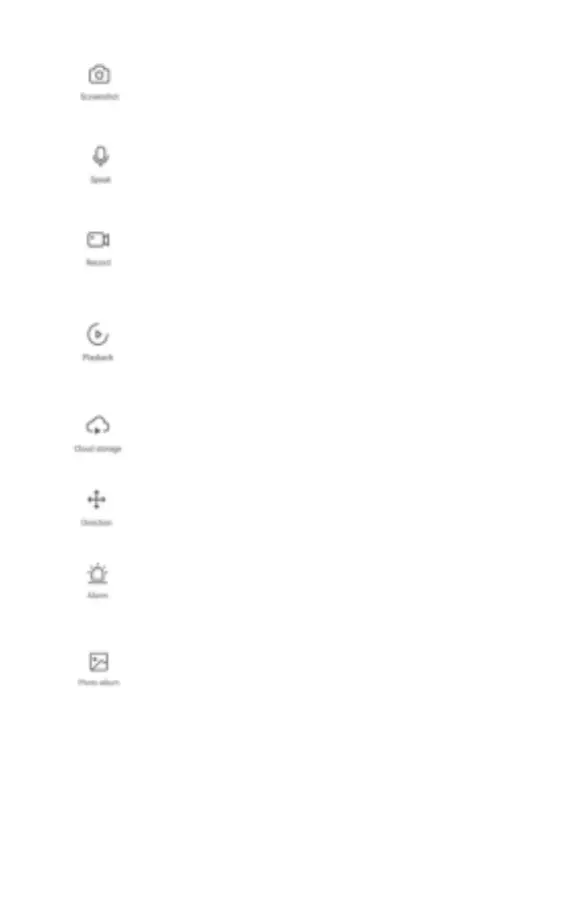
Screenshot
Taking a picture from the camera (to the
memory of your device).
Speak
Broadcast mode from the camera (you can
talk into the device, and the camera will
reproduce your speech)
Record
Recording video to the device’s memory).
Playback
Video archive of all recordings from the
camera (to use this function you need a
memory card and enable recording to a
memory card in the settings).
Cloud Storage
Setting up and watching videos from cloud
storage (subscription required).
Direction
Rotation and tilt the camera.
Alarm
On / Off motion sensor and sound detection,
timers settings.
Photo Album
Archive of videos and photos that you
previously took on your smartphone (stored
in the memory of your smartphone)



 To Next Page