37
3. In the rst account (to
which the camera is attached)
go to your camera settings
and add a new user:
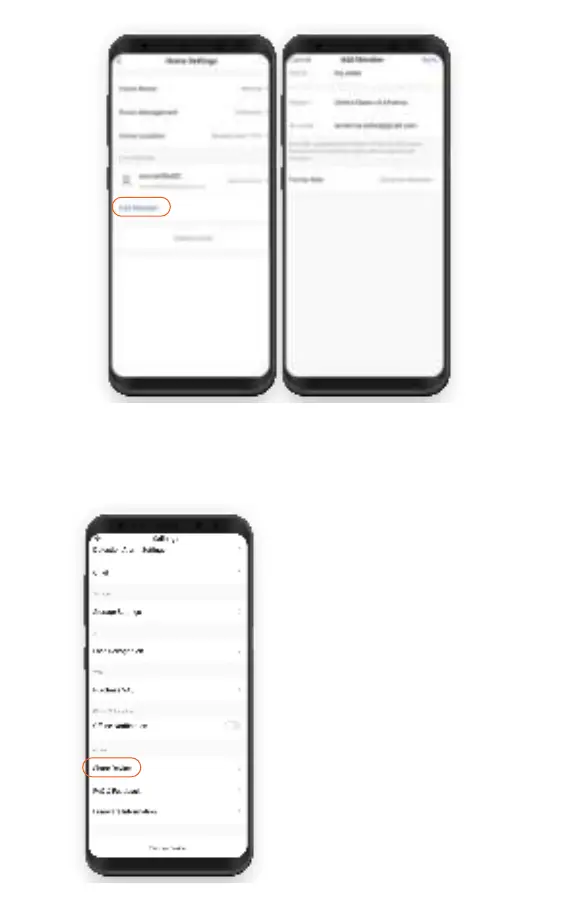
Main Menu -> Tap on your
camera name -> Settings->
Share Device-> Add Sharing-
>Enter the name and e-mail
of the second account.
Done! Now the second user
camera!
Add member-> Enter the name and e-mail of the
second account.
Set access settings (Admin or View only)



 To Next Page