10 Chapter 2 Features
Pen and touch
An important difference between traditional PCs and Tablet PCs is that you frequently use
the pen or touch screen to interact with the computer instead of a mouse and keyboard.
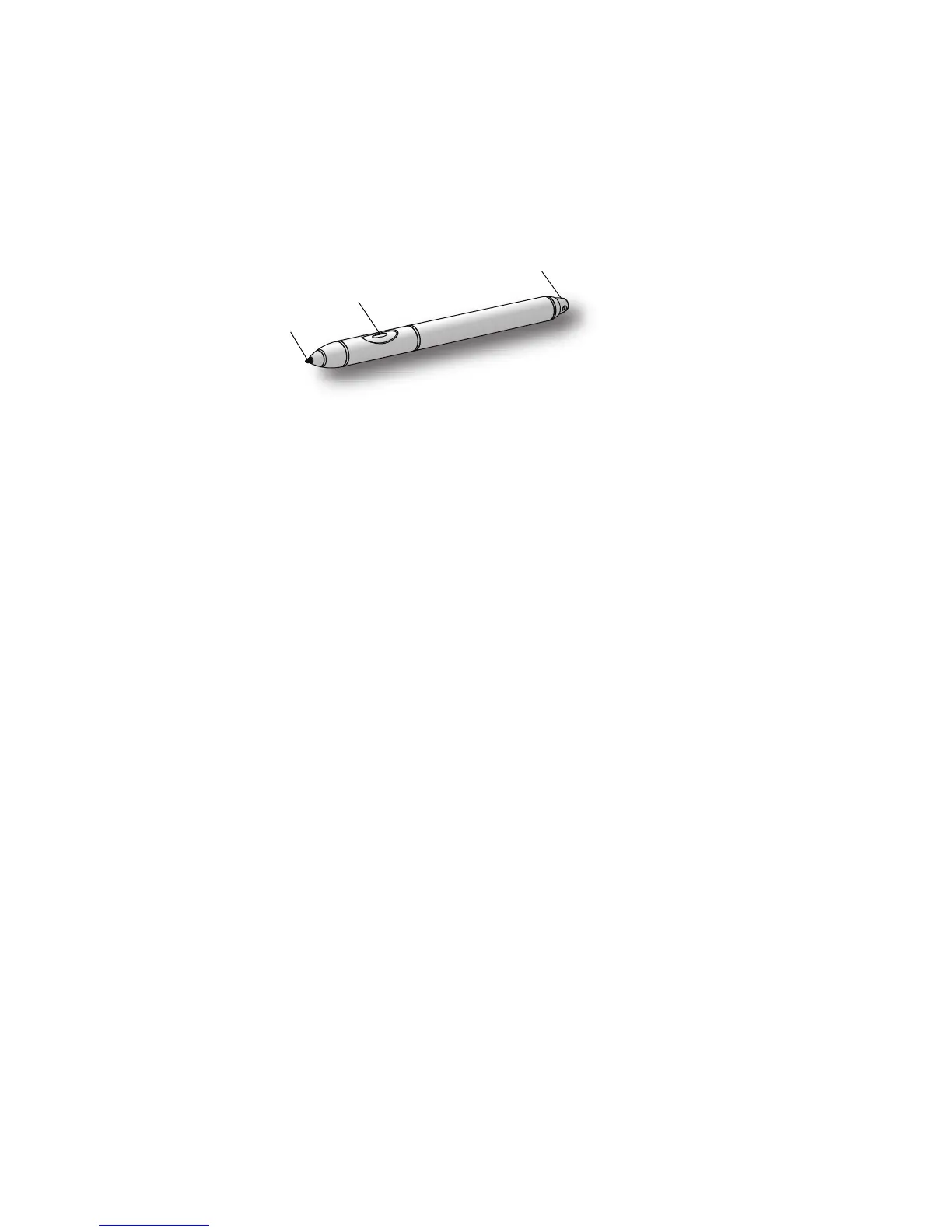
The pen includes a pressure-sensitive tip, a function button and an eraser. The pen contains
no batteries and requires no external power.
For information about using the pen, see “Using the pen” on page 25.
Touch is an optional feature for the Tablet PC. For information about using touch, see “Using
touch (optional)” on page 27
Function button
Eraser
Tip



 To Next Page