Chapter 3 Using your Tablet PC 39
Using power plans
The J3500 includes a comprehensive suite of power management functions. By using
power plans, you can maximize system performance, save energy, or get the most from a
single charge.
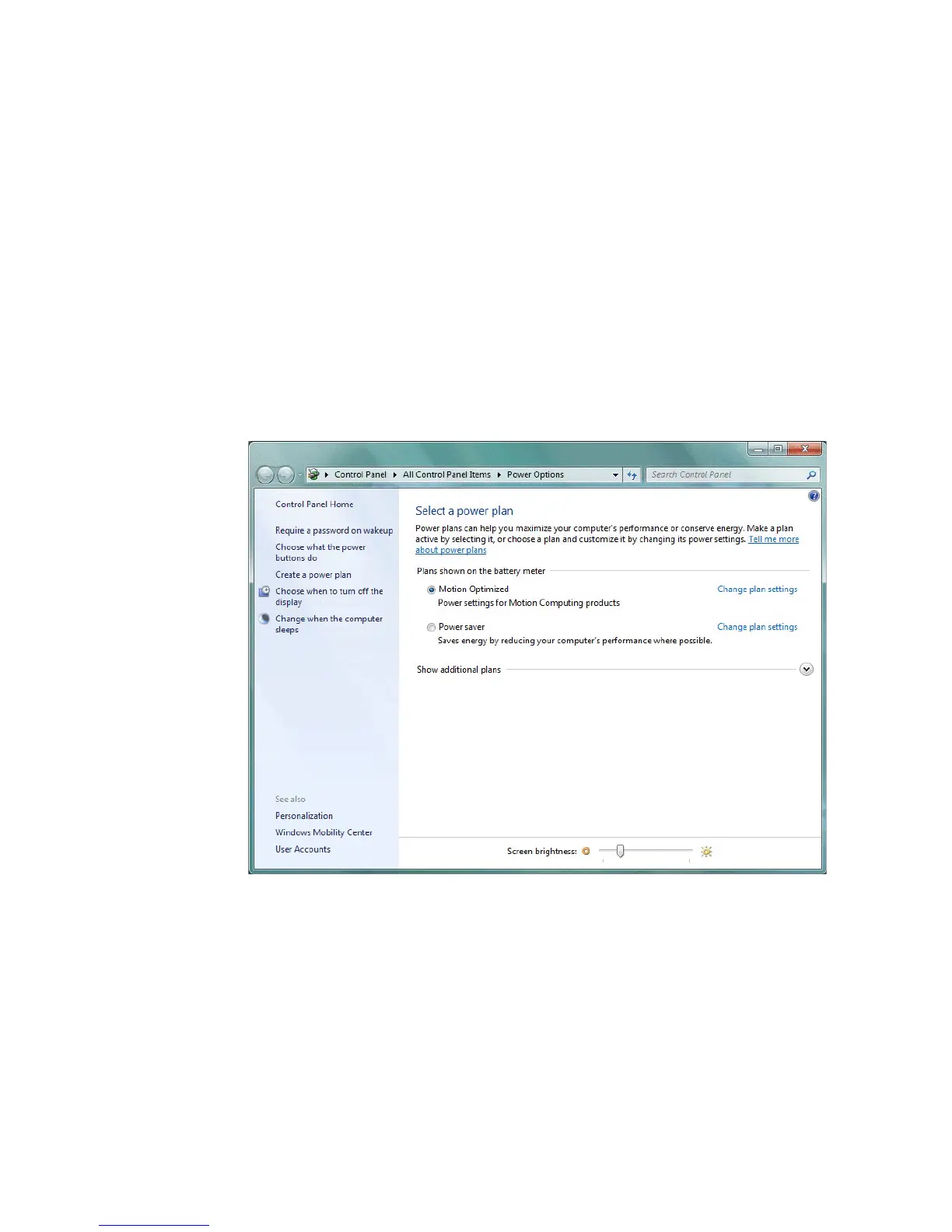
Selecting a power plan
Use this procedure to choose among the Balanced, Power saver, or High performance
power plans.
To select a power plan
1. Open Motion Dashboard to the Power panel (page 24).
2. Tap the Power Options button.
3. On the Power Options page, select a power plan.
For information about creating a custom power plan, see “Creating a power plan” on
page 40.



 To Next Page