6 Chapter 1 Getting Started
Setting up the J3500
The J3500 is self-contained, so you can start using it immediately. You should connect AC
power until the battery is fully charged. Use the following steps to get started:
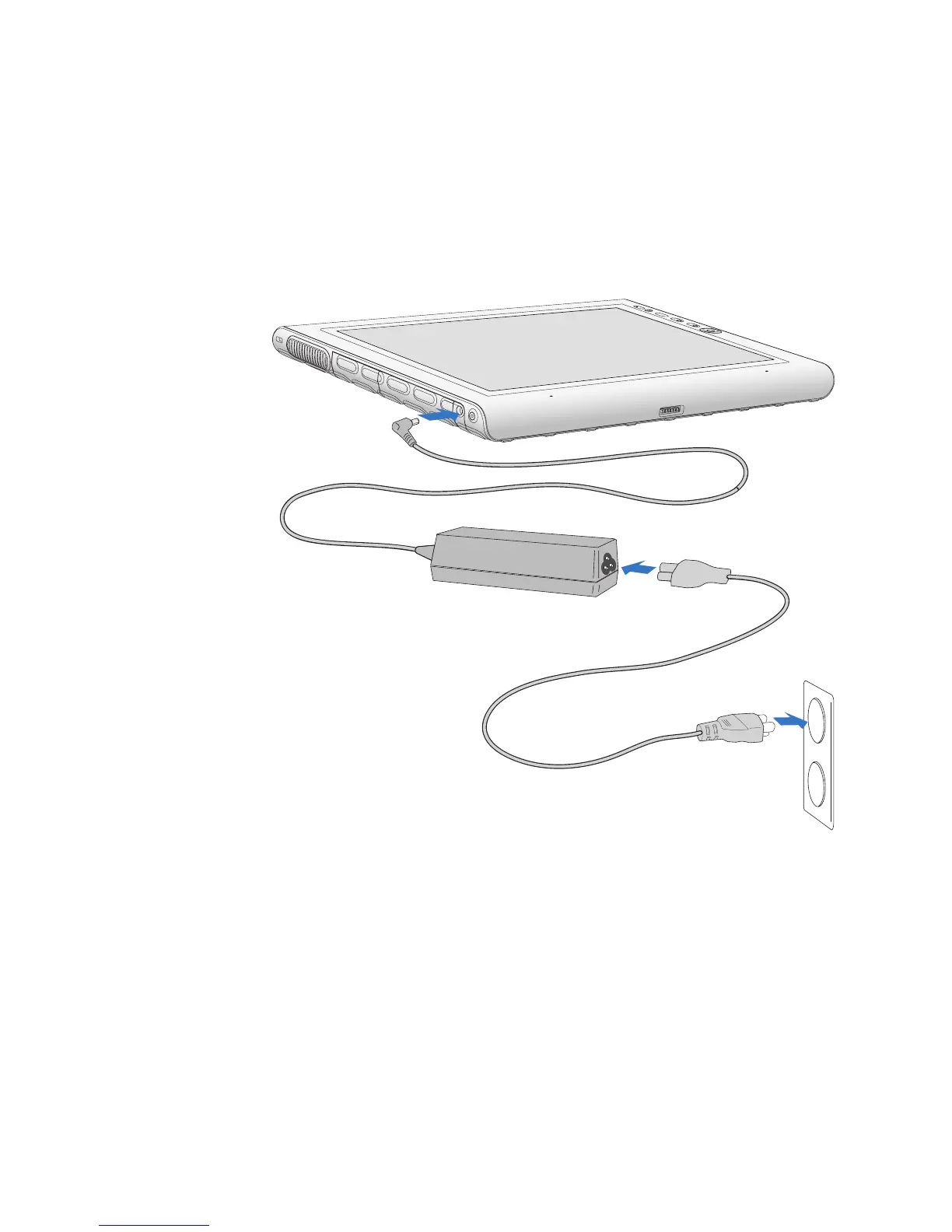
Step 1: Plug in the power adapter
• Plug the power cord into the power adapter and the Tablet PC, then plug the power cord
into an outlet.
Step 2: Connect the cables
• If you want to connect your Tablet PC to a network, insert an Ethernet cable into the
Ethernet port.
To connect to a wireless network, see “Using Wi-Fi (802.11a/g/n)” on page 53. To connect
using docking stations and other accessories, refer to the documentation for that product.
Step 3: Turn on the Tablet PC
• Press the power button.



 To Next Page