3.5
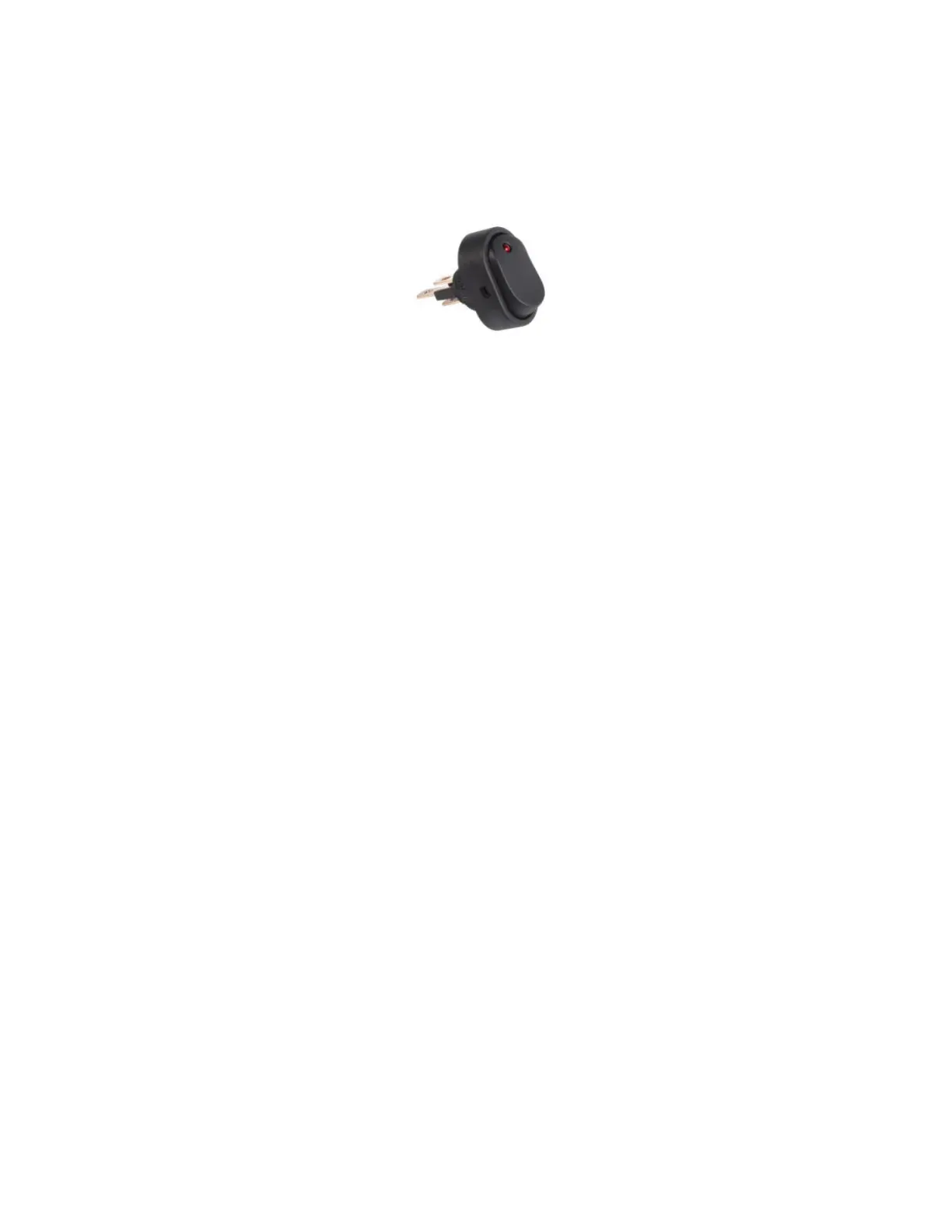
Dell City Rocker Switch
Figure 8: Dell City Rocker Switch View
For current product specifications and instructions, see Del City support (also available as a PDF here).
To set up the rocker switch, perform the following steps:
1. Strip the shielded cable and connect it to the rocker switch.
2. Connect the other end of the shielded cable to the camera by using the ground and digital In I/O
connectors.
● You must connect this to whichever camera you choose to use for recording.
● For more details on connecting to the camera's I/O, see the camera's installation manual:
○ Pelco Sarix Pro 4 Dome Camera: see Connecting to Power and External Devices.
○ Pelco Sarix Modular System: see Connecting to External Audio and I/O Devices.
3. Install the rocker switch on the wall outside the interview room.
MN010550A01-A
Chapter 3: Interview Room Hardware Component Details
15



 To Previous Page