Chapter 3
Interview Room Hardware Component
Details
3.1
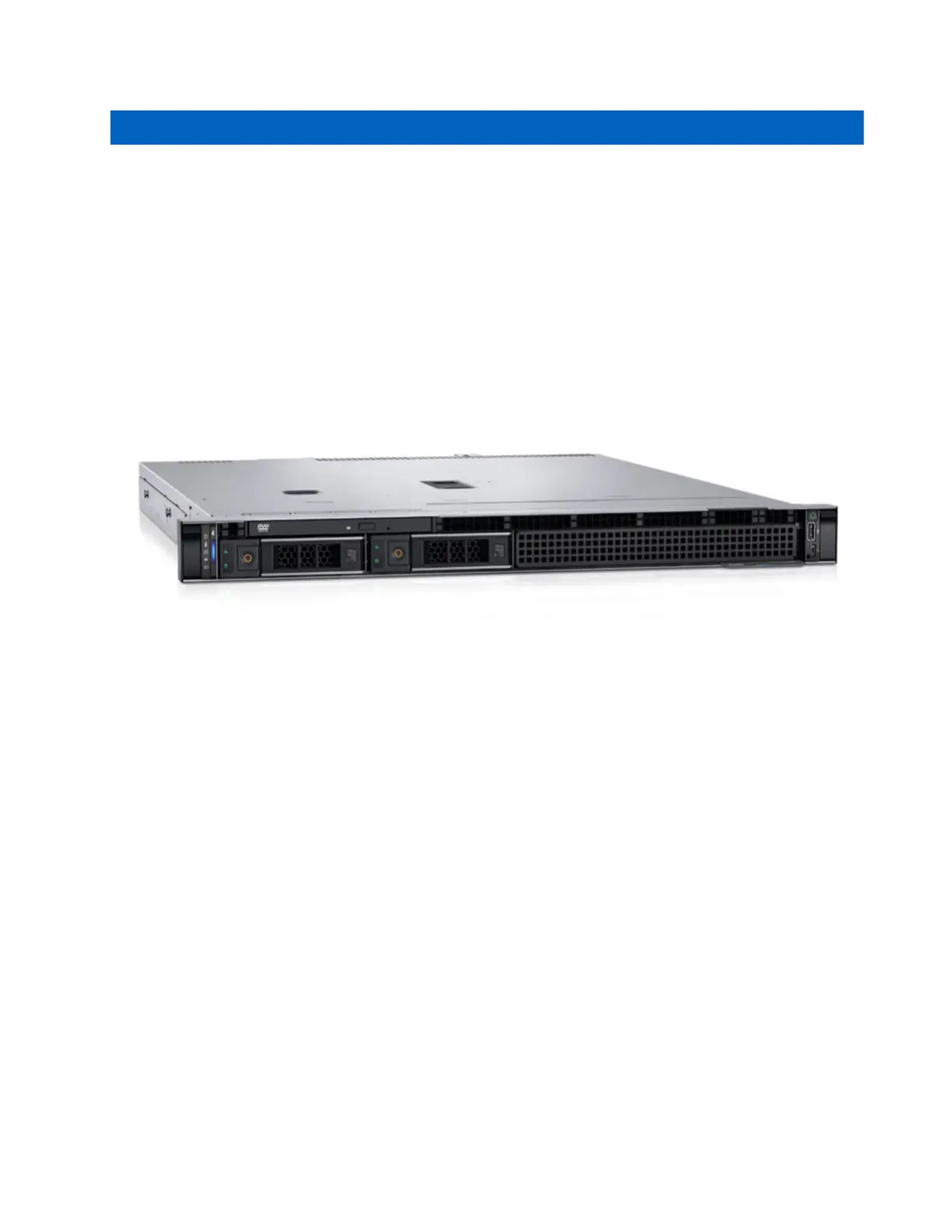
Dell PowerEdge R250 Server
The PowerEdge R250, powered by the Intel
®
Xeon
®
E-2300 processor, delivers powerful compute for
common business applications and streamlines productivity.
Figure 2: Dell PowerEdge R250 Server View
For current product specifications and instructions see the Dell website.
To install the PowerEdge R250, follow the hardware instructions provided with the server, and then connect
the server to the ethernet through the Lantronix PoE switch described in the following section.
3.2
Lantronix Smart Managed Gigabit Ethernet PoE+
Switch
The PoE+ Switch provides power to your CommandCentral Interview Room Cameras, and also provides a
simple connection to the Dell Appliance and your Ethernet connection.
For current product specifications and instructions see the Lantronix website.
To set up the POE+ Switch:
1. Plug the PoE+ into your power outlet.
2. Connect the PoE+ to your Ethernet.
3. Connect the PoE+ into the Dell PowerEdge 250.
4. Connect your Pelco cameras to the PoE+ with the Ethernet cable.
MN010550A01-A
Chapter 3: Interview Room Hardware Component Details
9



 To Next Page