12 Home Screen
accounts for Messages, Social
Networking, or Calendar widgets).
There’s more about social networking
widgets in “Quick Start, Social
Networking” on page 27.
• Add: To add a widget, touch Apps ,
touch Widgets, then touch and hold a
widget. To change your wallpaper,
touch and hold an empty spot on the
home screen.
You can add a folder to organize your
shortcuts.
• Move or delete: To m ove o r de le te
something, touch and hold it until you
feel a vibration, then drag it to another
spot, another page, or to the X at the
top of the screen.
• Options: To show options for list items
(like People), touch and hold them.
To show options for your current
display, touch Menu (not all screens
have options).
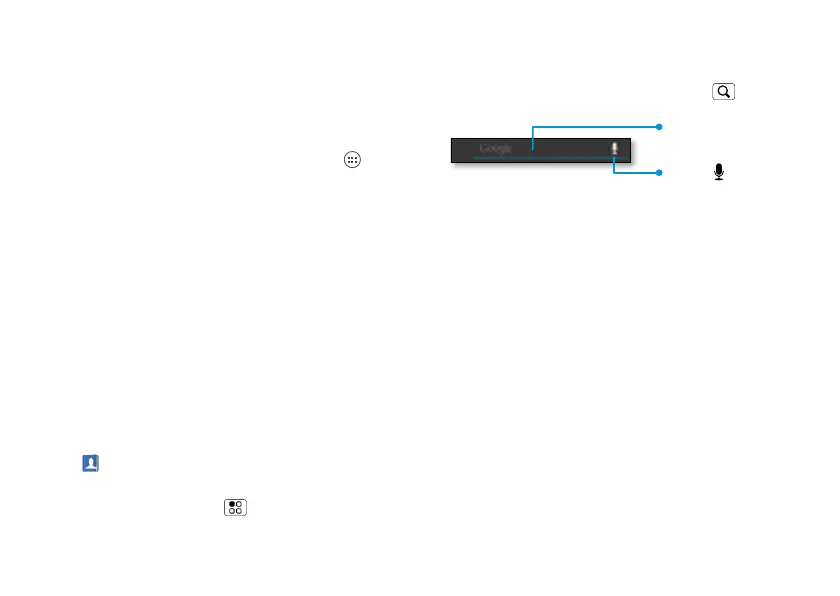
Search
To search, use a Search widget on your
home screen or touch Search .
Touch here to enter
text.
Touch to search
by voice.



 To Next Page
 Loading...






