56 Calendar
Touch a file or folder to open, or touch
and hold a file for options. You can edit
most text or spreadsheet files:
• Place your cursor by touching the text.
• Select text by double-tapping it.
• Open a keyboard, choose formatting,
save the file, or choose other options
by touching Menu .
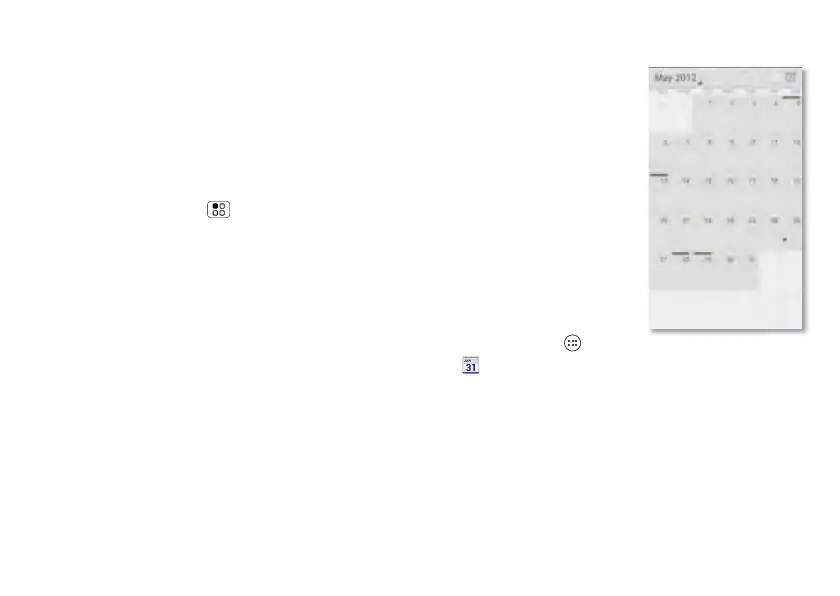
Calendar
Managing your
schedule has never
been easier. The
calendar
automatically shows
calendar events
from your
web-based Google™
account, and syncs
events that you enter
from your phone or
web browser.
Find it: Apps
> Calendar
You can view your calendar in different
ways: Touch the date, then touch Day,
Week, Month, or Agenda. When you
highlight an event, more details appear.



 To Next Page
 Loading...






