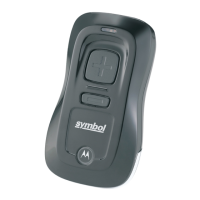
10 CS3000 Series
Bluetooth Communication Options
To set up the scanner for communication with a
host using standard Bluetooth profiles, scan one
of the following bar codes.
• Serial Port Profile (SPP)
- The scanner
connects to the host via Bluetooth and
emulates a serial connection. The scanner
accepts an incoming connection requested
from a Bluetooth host.
• Bluetooth Keyboard Emulation (HID) - The
scanner connects to the host via Bluetooth
and emulates a keyboard. The scanner
accepts an incoming connection requested
from a Bluetooth host.
Serial Port Profile (SPP)
Bluetooth Keyboard Emulation (HID)


 To Next Page
 Loading...