Quick Reference Guide 11
Scanning
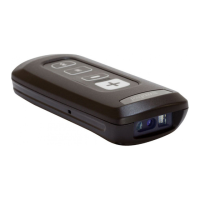
To scan bar codes:
1. Aim the scanner at the bar code.
2. Press the scan (+) button.
3. Ensure the scan line crosses every bar and
space of the symbol.
The scanner beeps and the LED turns green to
indicate a successful decode. See User
Indications for beeper and LED definitions.


 To Next Page
 Loading...