6 Getting started
1. Getting started
IMPORTANT
Do not place your CT2 in the bathroom or other humid areas.
Location
You need to place your CT2 base within 2 metres of the telephone wall socket so that the
cable will reach. The socket-outlet shall be installed near the equipment and shall be easily
accessible.
If you are wall mounting your phone please refer to the wall mount template on page 25.
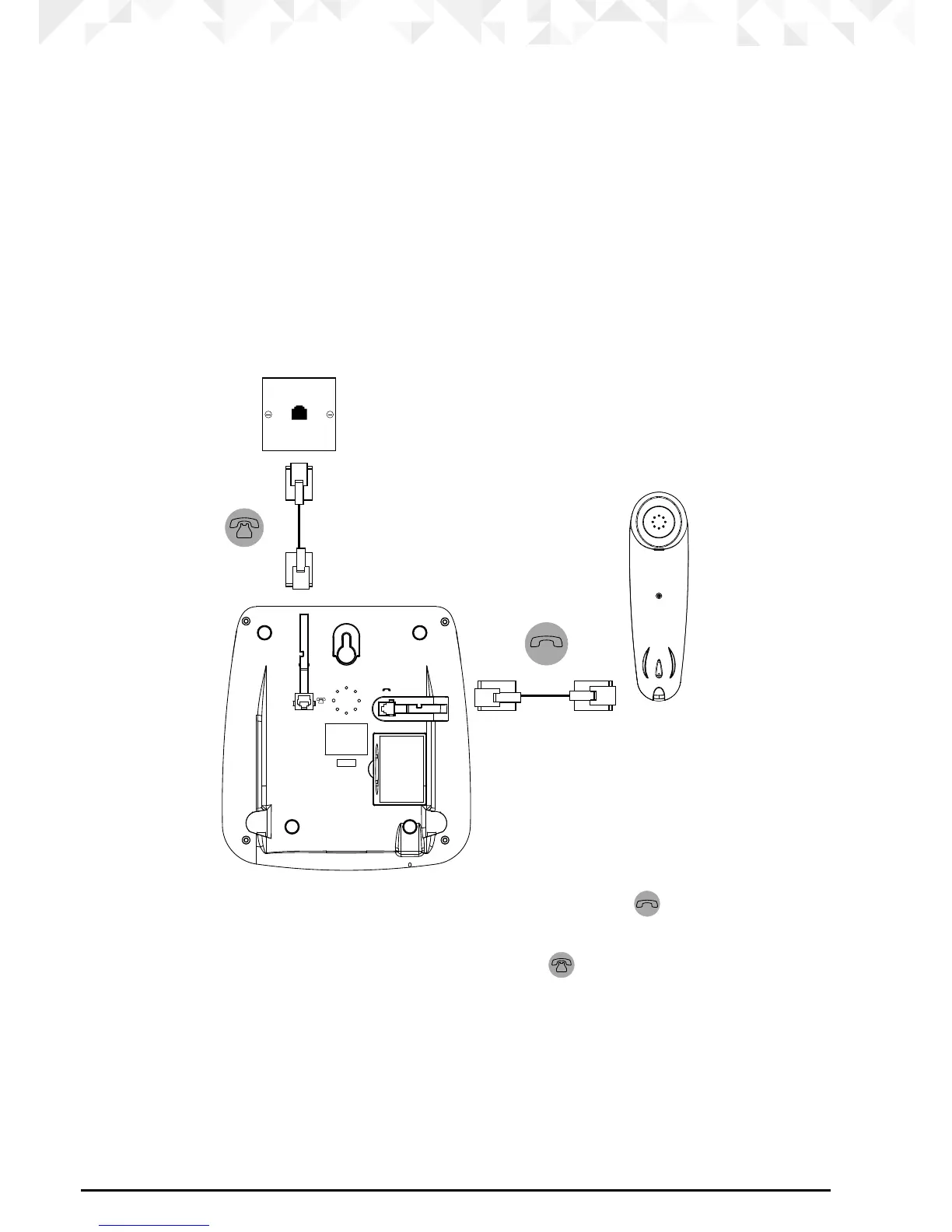
Connecting the handset and base
1. Plug one end of the handset curly cord into the socket marked on the underside of
the base and the other end into the socket at the bottom of the handset.
2. Plug the telephone line cord into the socket marked
.



 To Next Page
 Loading...










