46
11. Using your Answering Machine
The phone can digitally record up to 60 minutes of messages.
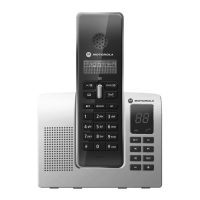
The answering machine can be operated from:
• the base
• the handset
• remotely, from any other DTMF telephone, see page 51.
11.1 Switch the answering machine on / o
Using the base:
1. Press A to switch the answering machine on / o. You will hear
'Answer phone on' or 'Answer phone o'. The A light will turn on or
o.
Using the handset:
1. Press the left C key,
Answer Phone
is displayed.
2. Press the left C key, scroll E to
Answer mode
.
3. Press the left C key, under
Answer on
/
o
, scroll the left and right navigation
keys to select
On
or
O
.
4. Press the left C key to save.
11.2 Listening to your messages
Using the base:
1. Press P to listen to your messages.
2. If there are no messages, you will hear 'You have no messages' when
pressing P.
During playback:
• Press P to stop message playback.
• Press N to listen to the next message.
• Press S once to listen to the current message again. Press twice to
listen to the previous message.
• Press + or - to turn the volume up or down.
• Press D to delete the current message.
Note
When in standby, press D twice to delete all old messages.
Using the handset:
1. Press the left C key,
Answer Phone
is displayed.
2. Press the left C key,
View messages
will be displayed if there are messages.
Using your Answering Machine



 To Next Page