37
basics
basics
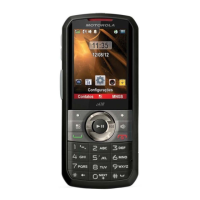
See page 1 for a basic phone diagram.
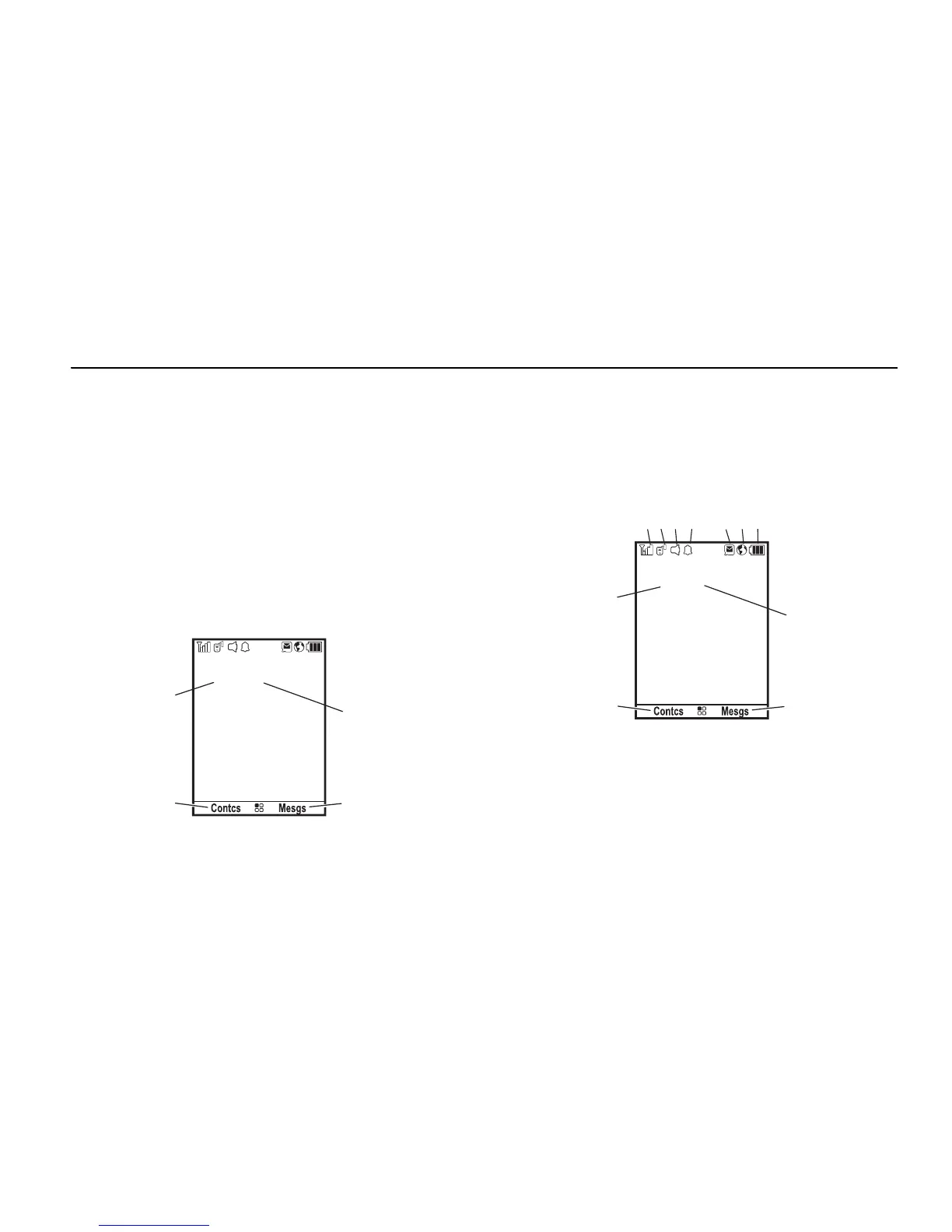
display
The home screen shows when you turn on
the phone. To dial a number from the home
screen, press number keys and
,
.
Note:
Your home screen may look different.
Soft key labels show the current soft key
functions. For soft key locations, see page 1.
status indicators
Status indicators are shown at the top of the
home screen:
1Signal Strength Indicator:
Vertical bars
show the strength of the network
connection. You can’t make or receive
calls when
~
shows.

 To Next Page
 Loading...