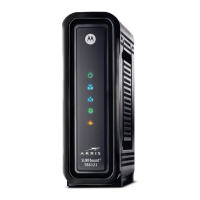
Quick Reference Guide: Motorola SB6121
Technical Operations Academy Page 5 of 5
Troubleshooting Tips
Release and Renew the IP address on computer if its unable to access the internet or the
modem’s setup page
Reboot the computer
Disable the proxy settings in the computer’s web browser, and temporarily disable any
firewall software during the setup of the gateway.
Always use straight-through cables, not cross over cables
User Guides, Drivers, and Datasheets can be found at:
http://broadband.motorola.com/consumers/support



 To Previous Page
 Loading...